
Your Toshiba TV is supposed to bring you entertainment and relaxation. But if your Toshiba TV keeps turning off by itself, it can quickly become a source of frustration. You might be in the middle of a movie, a live sports game, or gaming, and suddenly the screen goes black. The TV restarts, or maybe it stays off. For some, this happens every few hours; for others, it’s every few minutes.
If this problem sounds familiar, you’re not alone. Many Toshiba TV owners face this issue, but the good news is: most causes are easy to fix at home, no technical background needed. Understanding why it happens is the first step to finding a lasting solution. This guide will walk you through every possible reason, simple troubleshooting, and expert tips to help you fix the problem for good.
Why Does My Toshiba Tv Keep Turning Off? Common Causes
Several things can make your Toshiba TV shut off unexpectedly. Some are simple, like settings or loose cables. Others are hardware-related or even due to environmental factors. Here are the most frequent causes:
- Power supply problems: Faulty outlets, loose power cords, or power surges.
- Sleep timer or energy-saving settings: TV turns off after a set time.
- Software glitches or outdated firmware: Bugs or compatibility issues.
- Overheating: Blocked vents or high room temperature.
- Remote control issues: Stuck buttons or faulty remotes.
- Connected device problems: HDMI-CEC or faulty devices.
- Electrical interference: Other electronics causing power cycles.
- Faulty internal components: Power board or mainboard issues.
Each cause may need a different solution. Let’s dig into how to identify and fix each one.
Quick Checks Before You Start
Before going into in-depth fixes, run through these easy checks:
- Unplug the TV for at least 60 seconds, then plug it back in.
- Make sure the power cable is securely connected to both the TV and the wall outlet.
- Try a different wall outlet.
- Remove any power strips or surge protectors—plug the TV directly into the wall.
These steps can sometimes solve the problem instantly. If not, move to more specific troubleshooting.
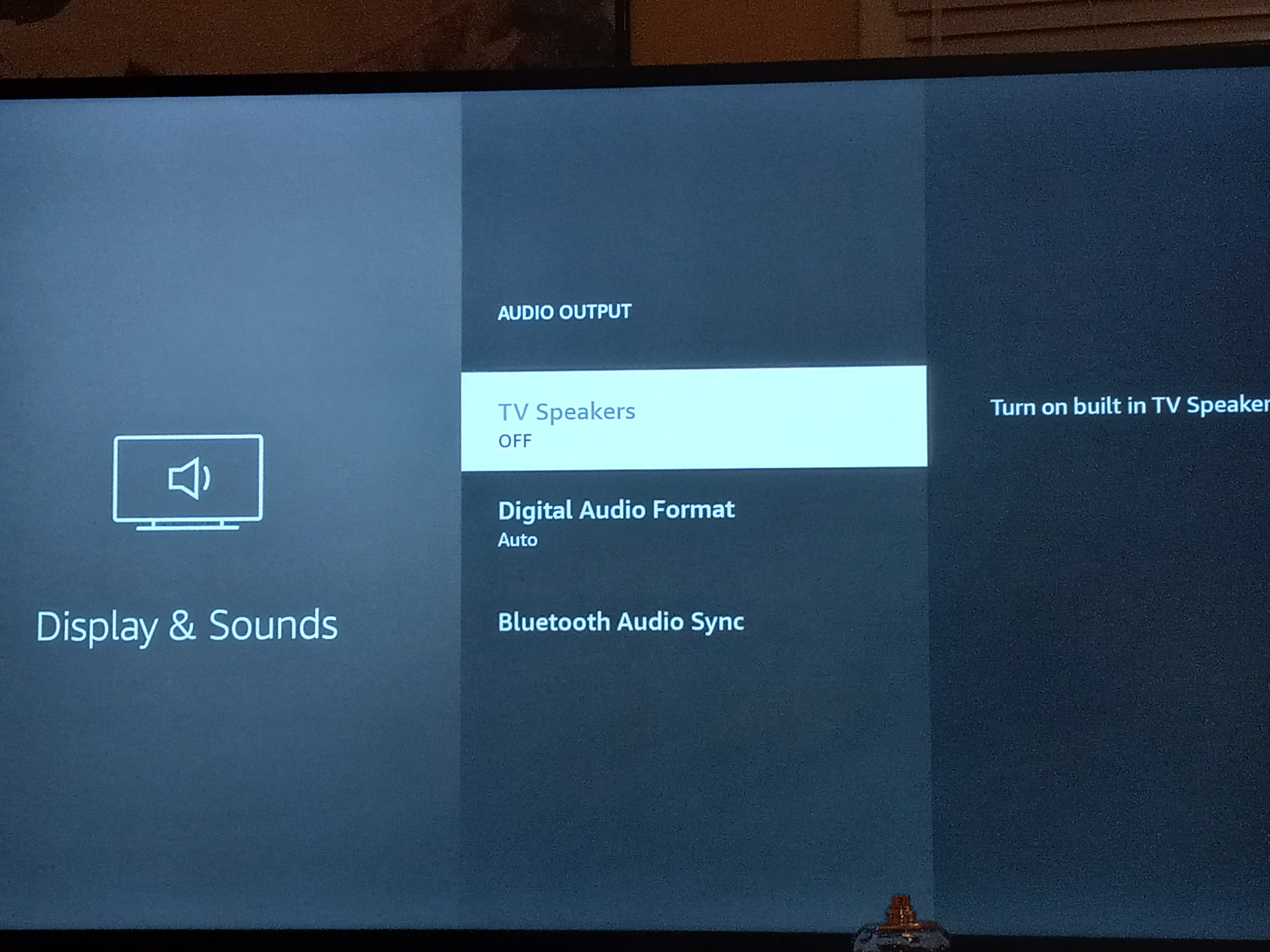
Power Supply Issues: How To Rule Them Out
A stable power supply is essential for any TV. Small problems with electricity can make your Toshiba TV switch off randomly.
Check The Power Outlet
Try plugging another device (like a lamp or phone charger) into the same outlet. If that device doesn’t work, the outlet may be faulty. Use a different outlet to see if your TV stays on.
Inspect The Power Cable
Check for any signs of damage—cuts, bends, or fraying. If the cable looks worn out, replace it with an official Toshiba power cord. Cheap third-party cords can cause power loss and even damage your TV.
Surge Protectors And Extension Cords
Low-quality or overloaded power strips can’t deliver consistent power. Always connect your TV directly to the wall, at least for testing. If the TV works fine, the issue is likely with your surge protector.
Power Board Problems
If your TV is older (5+ years), the internal power board may be failing. This part converts electricity for your TV. Signs of power board failure include clicking sounds, flickering before shutdown, or needing to press the power button several times to turn on.
Pro tip: If you suspect a power board issue, contact a qualified technician. Opening the TV yourself can be dangerous.
Software And Firmware: Updates, Bugs, And Factory Reset
Modern Toshiba TVs run on smart platforms like Fire TV, Android TV, or their own OS. Software bugs or outdated firmware can cause random shutoffs.
Check For Firmware Updates
- Go to your TV’s Settings menu.
- Look for System or Device Preferences.
- Select About and then Software Update.
- Follow the prompts to install updates.
Regular updates fix bugs and improve stability. Keeping your TV up to date prevents many issues.
Factory Reset
If updates don’t help, a factory reset can often solve software problems.
- Go to Settings > Device Preferences > Reset.
- Choose Factory data reset.
- Confirm your choice.
This will delete your apps and settings, so only use it if other fixes don’t work.
App Or Input Problems
A buggy app (like YouTube, Netflix, or Hulu) can sometimes make the TV crash. Try removing any new apps or switching to a different HDMI input. If the TV only shuts off on one app or input, the problem is likely with that device or app.
Sleep Timer And Energy-saving Features
Many Toshiba TVs have built-in sleep timers and power-saving modes. These are designed to save energy but can turn off your TV if set by accident.
How To Check And Adjust Sleep Timer
- Press the Menu button on your remote.
- Go to Settings or Timers.
- Find the Sleep Timer option.
- Make sure it is set to Off.
Energy-saving Modes
Some TVs have Eco Mode, Power Saving, or Automatic Standby. These settings may shut the TV off after a period of inactivity.
- Look for these options in your Settings menu.
- Turn them off for testing.
Hidden tip: Sometimes, energy-saving features get turned on after a software update without warning.
Overheating: How Temperature Affects Your Toshiba Tv
Electronics need to stay cool. If your TV gets too hot, it will shut down to prevent damage.
Signs Of Overheating
- TV feels hot to the touch, especially near the vents.
- The fan (if present) is running loudly.
- TV turns off after running for a while but works again after cooling.
What Causes Overheating?
- Placing the TV in a closed cabinet or against a wall.
- Dust blocking the vents.
- High room temperature.
How To Fix Overheating
- Move your TV to an open, well-ventilated area.
- Use compressed air to clean dust from the vents (do this gently).
- Keep the room cool with a fan or air conditioner.
Non-obvious insight: Even a thin layer of dust can block airflow and cause overheating, so clean your TV’s vents every few months.
Remote Control And Button Issues
A stuck power button or faulty remote can send “off” signals to your TV, making it turn off randomly.
Check The Remote
- Remove the batteries from your remote.
- Turn the TV on using the button on the TV itself.
- If the TV stays on, the remote may be the problem.
- Replace the batteries or clean the buttons.
Stuck Physical Buttons
Some Toshiba TVs have physical buttons on the side or bottom. If these get stuck (due to dust or wear), they can randomly send commands.
- Check and gently press each button to make sure it moves freely.
- Clean around the buttons with a dry cloth.
Hdmi And Connected Devices: Hdmi-cec And Power Control
Modern TVs use HDMI-CEC (Consumer Electronics Control) to let other devices (like soundbars, game consoles, or streaming boxes) control the TV’s power. Sometimes, a device turns your TV off without warning.
How To Test
- Disconnect all HDMI devices.
- Turn on the TV and see if it stays on.
- If the problem stops, reconnect devices one at a time to find the culprit.
How To Disable Hdmi-cec
- Go to Settings > External Inputs > HDMI-CEC.
- Turn it Off.
Example: A faulty Blu-ray player can send the “power off” signal every time it turns off, causing your TV to shut down as well.
Faulty Devices
Old or malfunctioning devices can send bad signals. Try updating firmware on connected devices, or replace suspicious ones.
Electrical Interference And Power Surges
Sometimes, other electronics in your home can interfere with your TV’s power, especially during power surges.
Common Sources
- Large appliances starting up (like refrigerators or AC units).
- Faulty wiring in older homes.
- Lightning storms.
Solutions
- Use a high-quality surge protector (for long-term use, not for testing).
- Avoid plugging too many devices into one outlet.
- If you notice your TV turns off when another appliance starts, try a different circuit.
Hardware Failures: When To Get Professional Help
If you’ve tried all troubleshooting and your Toshiba TV keeps turning off, the problem might be inside the TV.
Common Hardware Problems
- Failing power supply board
- Bad mainboard
- Faulty capacitors
These usually require skilled repair. Signs include burning smells, visible damage, or the TV not turning on at all after shutting off.
How To Check Warranty
- Find your TV’s model and serial number (on the back or in the manual).
- Check the purchase date.
- Visit the official Toshiba support site to check your warranty status.
If under warranty, contact Toshiba for repair or replacement. Otherwise, get quotes from certified repair centers.
Non-obvious insight: Attempting to fix internal hardware yourself can void the warranty and is risky. Most TV repairs require special tools and experience.
Comparing Causes And Solutions
For a quick overview, here’s how the most common causes compare:
| Cause | How to Identify | How to Fix |
|---|---|---|
| Power Supply | Shuts off randomly; works on another outlet | Try a different outlet/cable |
| Sleep Timer | Turns off at regular intervals (e.g. every 60 min) | Disable timer in settings |
| Software Bug | After update, or with certain apps | Update firmware or reset TV |
| Overheating | TV hot to the touch, shuts off after a while | Improve ventilation, clean vents |
| Remote Issue | Works fine without remote batteries | Replace or clean remote |
| HDMI-CEC | Turns off with certain devices plugged in | Disable HDMI-CEC, test devices |
How To Prevent Toshiba Tv From Turning Off In The Future
Solving the problem is good—but preventing it from happening again is even better.
- Keep your TV firmware updated. Set updates to automatic if possible.
- Clean vents and ports regularly. Dust builds up quickly and blocks airflow.
- Use high-quality surge protectors. Invest in a good one to guard against power surges.
- Avoid stacking devices. Don’t place other electronics on top of or too close to your TV.
- Check settings after software updates. Sometimes updates reset timers or energy features.
- Use official power cords and accessories. They fit better and last longer.
- Inspect cables and remotes every few months.
- Don’t ignore small problems. Early signs like flickering or slow startup can warn of bigger issues.
Real User Stories: What Owners Have Experienced
Many Toshiba TV owners have shared their experiences online. Here are some examples that might help you relate:
- Sarah from Texas noticed her TV would turn off every evening at 10 PM. She checked and found the sleep timer was set for 2 hours. After turning it off, the problem disappeared.
- Omar in London struggled with his TV shutting down every time he used his PlayStation. Disabling HDMI-CEC fixed the issue.
- Lucas from Brazil found dust covering the back vents. After cleaning, his TV stopped shutting down due to overheating.
- Priya in Mumbai had a faulty remote with a stuck power button. Removing the batteries solved her issue instantly.
These stories show that most issues are easy to fix if you know what to look for.
When To Consider Buying A New Tv
Sometimes, repairs cost more than a new TV, especially for older models. Here’s how to decide:
| Factor | Repair | Replace |
|---|---|---|
| TV Age | Less than 3 years | More than 5 years |
| Repair Cost | Under $150 | Over $200 |
| Warranty | Still covered | Expired |
| Parts Availability | Easy to get | Hard to find |
| Features | Still meets needs | Missing smart features |
If your TV is old, out of warranty, and repair costs are high, it may be time to upgrade.
Toshiba Tv Keeps Turning Off: Step-by-step Troubleshooting Guide
If you want a systematic approach, follow these steps in order:
- Unplug TV and wait 60 seconds. Simple resets solve many problems.
- Plug TV directly into the wall. Remove all surge protectors and extension cords.
- Test a different wall outlet. This rules out home wiring issues.
- Check power cable and replace if damaged.
- Remove all HDMI and USB devices. Test the TV alone.
- Check for firmware updates. Update if available.
- Disable sleep timer and energy-saving features.
- Clean vents and ensure good ventilation.
- Remove batteries from remote and test TV with physical button.
- Factory reset the TV. As a last resort for software issues.
- Contact Toshiba support or a certified repair shop. For hardware failures.
Extra tip: Document each step you try. This helps if you need to call customer support.
What If Your Tv Still Turns Off Randomly?
If your Toshiba TV keeps turning off after all these steps, the issue is likely hardware-related. Professional help is needed. Always get a quote before agreeing to repairs—sometimes, it’s more cost-effective to buy a new TV.
For more details on common TV problems and support, you can visit the official Toshiba TV Support page.
Frequently Asked Questions
Why Does My Toshiba Tv Turn Off After A Few Minutes?
This usually happens due to a sleep timer, overheating, or power supply problems. Check your timer settings, clean the vents, and try a different power outlet.
Can A Faulty Remote Make My Toshiba Tv Turn Off By Itself?
Yes. If your remote’s power button is stuck or sending signals due to low batteries or internal damage, it can cause random shutdowns. Remove the batteries to test.
Does Hdmi-cec Affect Toshiba Tvs Turning Off?
Absolutely. Devices connected through HDMI-CEC can control your TV’s power. If one device malfunctions, it might send a shutdown signal to your TV. Try disabling HDMI-CEC.
How Often Should I Update My Toshiba Tv Firmware?
Check for updates every few months. Updates fix bugs and improve performance, reducing the chances of software-related shutdowns.
Is It Safe To Repair A Tv Power Board Myself?
No. Power boards store dangerous voltage even when unplugged. Always contact a certified technician for hardware repairs.
A TV that keeps turning off is annoying, but with the right approach, most causes are easy to fix. Stay patient, work through the steps, and soon you’ll be back to enjoying your favorite shows without interruption.