
Is your Bose CD player giving you trouble? Maybe it won’t play your favorite albums, skips tracks, or even refuses to eject the disc.
If you’ve ever felt frustrated staring at the “Disc Not Playable” message or wondering why your Bose player suddenly stopped working, you’re not alone. These problems can interrupt your music experience and leave you searching for quick fixes. But don’t worry—this article will guide you through the most common Bose CD player problems and show you simple steps to get your system back to playing your tunes smoothly.
Keep reading to discover easy solutions that can save you time, money, and stress.

Common Playback Issues
Common playback issues affect many Bose CD players. These problems disrupt your music experience. Users often report errors that stop CDs from playing smoothly. Understanding these issues helps find quick solutions. The most frequent problems include error messages, skipping tracks, and trouble with disc ejection.
Many issues arise from dust buildup, worn parts, or damaged discs. Regular maintenance can prevent some problems. Others might need professional repair. Below are key playback issues and what causes them.
Disc Not Playable Error
This error appears when the player cannot read the disc. Dust or dirt on the laser lens often causes it. Scratched or damaged discs also trigger this problem. Some CD-R or CD-RW discs may not work well. Cleaning the disc and lens usually helps. If it continues, the laser may need service.
Skipping Tracks
Tracks skip when the laser lens cannot read the disc smoothly. This happens with scratched or dirty discs. Vibrations or movement during playback can also cause skipping. Ensure the player sits on a stable surface. Cleaning the disc and lens can reduce skipping. Persistent skipping might mean a failing laser.
Discs Failing To Eject Or Read
Sometimes discs get stuck inside the player. This happens if the eject mechanism fails. Dirt or foreign objects may block the disc tray. The player may also fail to read the disc if the lens is dirty. Try a gentle manual eject or power cycle. If the problem stays, professional repair may be needed.
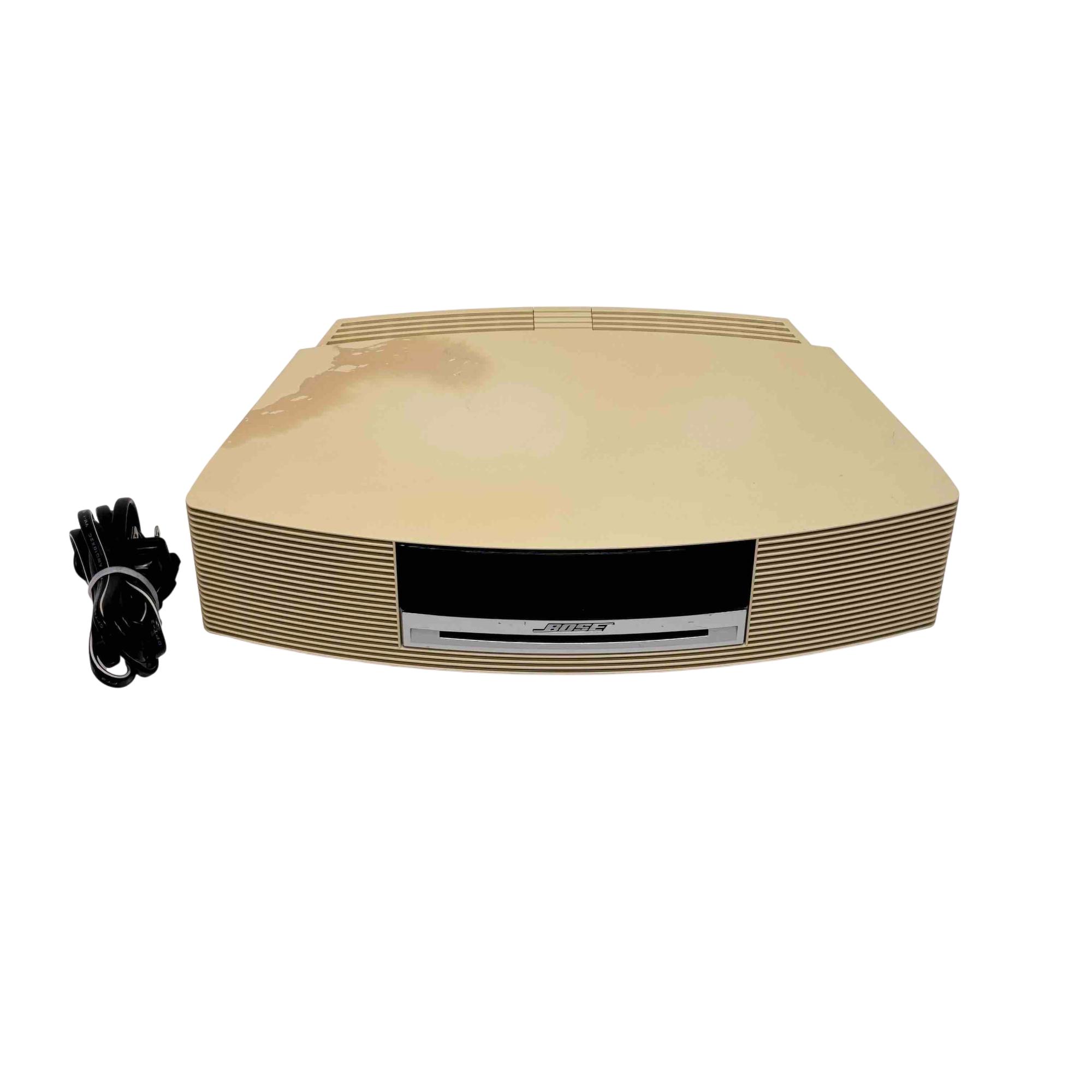
Credit: www.pawnamerica.com
Cleaning The Laser Lens
The laser lens inside a Bose CD player reads the discs. Dust and dirt can block the laser. This causes skipping or errors like “Disc Not Playable.”
Cleaning the lens often fixes these problems. It can help your player read discs smoothly again. Two common methods are using a lens cleaner disc or manual cleaning.
Using A Lens Cleaner Disc
A lens cleaner disc is an easy way to clean the laser lens. It looks like a regular CD but has tiny brushes on its surface. When it spins, it gently wipes dust off the lens.
Place the cleaner disc in your Bose CD player. Let it run through the cleaning cycle. This removes light dust without opening the player. It is safe and quick.
Use this method regularly to keep the lens clear. It helps prevent many common playback issues.
Manual Cleaning With Isopropyl Alcohol
Manual cleaning is more thorough but requires care. You will need a cotton swab and some isopropyl alcohol. Avoid using water or other liquids.
Turn off and unplug the player. Open the CD tray to access the laser lens. The lens is small and delicate. Lightly dampen the swab with alcohol.
Gently wipe the lens in a circular motion. Do not press hard or scratch the lens. Let the lens dry completely before closing the tray and turning on the player.
This method removes stubborn dirt and grime. It can fix more serious reading problems than a cleaning disc.
Handling Cds Properly
Handling CDs properly helps keep your Bose CD player working well. Careful treatment of discs prevents many common problems. Clean, undamaged CDs reduce reading errors and skipping. Proper storage stops dust and scratches from building up. Follow simple steps to protect your discs and extend your player’s life.
Avoiding Scratched Or Burned Discs
Scratches cause the laser to skip or fail reading the disc. Always hold CDs by the edges or the center hole. Avoid touching the shiny surface that holds the music. Do not place discs on rough surfaces or stack them without cases. Burned CDs (CD-Rs or CD-RWs) often have compatibility issues. Use high-quality discs and burn them at slower speeds to reduce errors.
Cleaning And Storing Cds
Clean discs gently with a soft, lint-free cloth. Wipe from the center outwards in straight lines. Avoid circular motions that can cause more scratches. Use mild soap and water if discs are very dirty, then dry completely. Store CDs in their cases to protect from dust and sunlight. Keep them in a cool, dry place away from heat and humidity. Proper cleaning and storage keep discs readable and your Bose player happy.
Resetting The Cd Player
Resetting the Bose CD player can fix many common issues quickly. Problems like discs not playing or skipping often clear up after a reset. This process helps the player clear errors and restart its system. Resetting is easy and does not require special tools. It is a good first step before trying more complex fixes.
Basic Reset Steps
Turn off the Bose CD player and unplug it from the power source. Wait about 30 seconds to allow the system to fully power down. Plug the player back in and turn it on. Press the eject button to see if the disc comes out or the error clears. If the problem continues, repeat this process once more. Resetting can refresh the internal settings and clear minor faults.
When To Perform A Reset
Perform a reset if the CD player shows error messages like “Disc Not Playable.” Try it when tracks skip or the player freezes during playback. Use a reset if the disc fails to eject after pressing the button. Resetting also helps if the player does not respond to any commands. Avoid resetting too often, as frequent resets can signal deeper hardware problems. Use it as a simple troubleshooting step before seeking repairs.
Reducing Interference
Interference can disrupt your Bose CD player’s performance. It causes skipping, errors, or no playback at all. Reducing interference helps improve sound quality and player reliability. Small changes in placement and environment often make a big difference.
Relocating The System
Move your Bose CD player away from walls and corners. This allows better air flow and reduces signal reflection. Place the system on a stable, flat surface to avoid vibrations. Try a different room or shelf to test if interference lessens. Sometimes, simply changing the spot stops the skipping and errors.
Avoiding Nearby Electronic Devices
Keep your CD player away from other electronics like routers, microwaves, and cordless phones. These devices emit signals that interfere with the CD player’s laser. Unplug or switch off nearby gadgets while using the Bose system. Avoid stacking the CD player on or near power strips and chargers. This reduces electrical noise that can disrupt playback.
When To Seek Professional Help
Deciding when to seek professional help for your Bose CD player can save time and money. Some problems need expert attention beyond simple cleaning or resetting. Knowing the right signs of serious issues helps you avoid further damage. This guide explains when it’s best to call a repair technician.
Signs Of Laser Assembly Failure
One clear sign is the CD player not reading discs at all. It may show error messages like “Disc Not Playable.” Tracks may skip frequently or the player might fail to eject discs. Strange noises during play also indicate laser problems. If cleaning the lens does not improve performance, the laser assembly might be failing. This part is delicate and wears out over time. Attempting DIY repairs on the laser can cause more harm.
Finding Repair Services
Look for repair shops with experience in Bose or similar audio equipment. Check online reviews to find reliable technicians. Authorized service centers often provide warranty coverage for repairs. Local electronics repair stores may offer cost-effective solutions. Contact the service provider to ask about repair costs and turnaround time. Sending your CD player to a certified technician ensures proper diagnosis and repair. Avoid unlicensed repair services to protect your device.
Preventing Future Problems
Preventing future problems with your Bose CD player starts with simple habits and care. Keeping your device clean and handling it properly extends its life. Small efforts now avoid costly repairs later. Follow these easy steps to keep your system working smoothly.
Regular Maintenance Tips
Clean the laser lens every few months. Use a lens cleaner disc or a soft, damp cloth. Avoid harsh chemicals that can damage the lens. Keep the player dust-free by wiping its exterior with a dry cloth. Store your CDs in cases to prevent scratches. Check the cables and connections for wear. Replace any frayed or damaged cords immediately. Regular maintenance reduces errors like skipping or unreadable discs.
Safe Operating Practices
Place your Bose CD player on a flat, stable surface. Keep it away from direct sunlight and heat sources. Avoid using it near devices that cause electrical interference. Turn off the player before unplugging it. Handle CDs carefully, holding them by the edges. Do not force discs in or out of the player. Use the remote control gently to avoid button damage. These habits protect your player from common problems.
Frequently Asked Questions
How Do I Reset A Bose Cd Player?
To reset a Bose CD player, unplug it from power for 60 seconds. Then, plug it back in and press the power button. This restarts the system and may resolve minor issues.
Can I Get My Bose Cd Player Repaired?
Yes, Bose CD players can be repaired. Clean the laser lens first. If issues persist, contact Bose support or a local audio repair shop.
Why Won’t My Bose Cd Player Play Cds?
Your Bose CD player may not play CDs due to a dirty laser lens, scratched discs, or laser assembly wear. Clean the lens gently and use standard audio CDs. Avoid damaged or improperly burned discs. If problems persist, seek professional repair or contact Bose Support.
How Do I Reset My Cd Player?
To reset your CD player, unplug it from the power source for 30 seconds. Plug it back in and power it on. This simple reset often resolves playback issues. If problems persist, clean the laser lens gently with a lens cleaner disc or a dampened Q-tip.
Why Won’t My Bose Cd Player Read Discs Properly?
A dirty or hazy laser lens often causes reading issues. Cleaning the lens with a special cleaner or alcohol can help. Also, scratched or damaged CDs may not play.
Conclusion
Bose CD player problems often stem from simple issues like dust or scratched discs. Cleaning the laser lens can fix many playback errors. Always use clean, standard audio CDs to avoid reading issues. Resetting the player might help if it freezes or won’t eject discs.
Persistent problems may mean the laser or internal parts need repair. Professional servicing can extend your player’s life. Taking these steps can keep your Bose CD player working smoothly. Don’t ignore small issues; early care prevents bigger troubles later.