
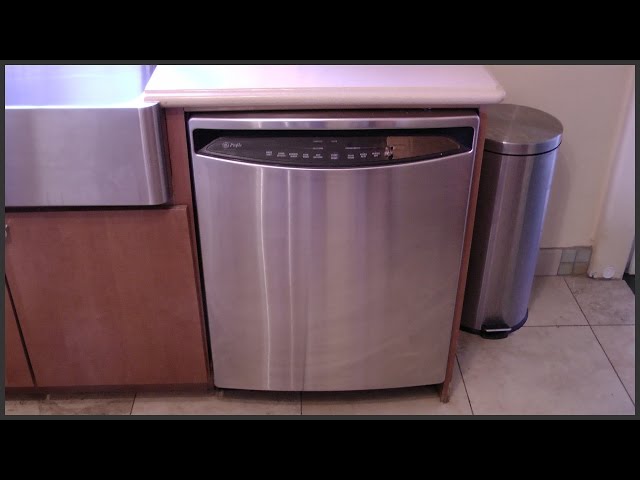
Is your GE Profile dishwasher acting up and leaving you wondering what went wrong? You’re not alone.
Whether it won’t start, won’t drain, or your dishes aren’t coming out clean, these issues can quickly disrupt your daily routine. But don’t worry—you don’t have to call a repair technician just yet. By understanding some common problems and simple troubleshooting steps, you can get your dishwasher back to working like new in no time.
In this guide, you’ll discover easy-to-follow tips and tricks tailored specifically for your GE Profile dishwasher. Ready to solve those frustrating problems yourself? Let’s dive in and bring your dishwasher back to life.
Common Symptoms
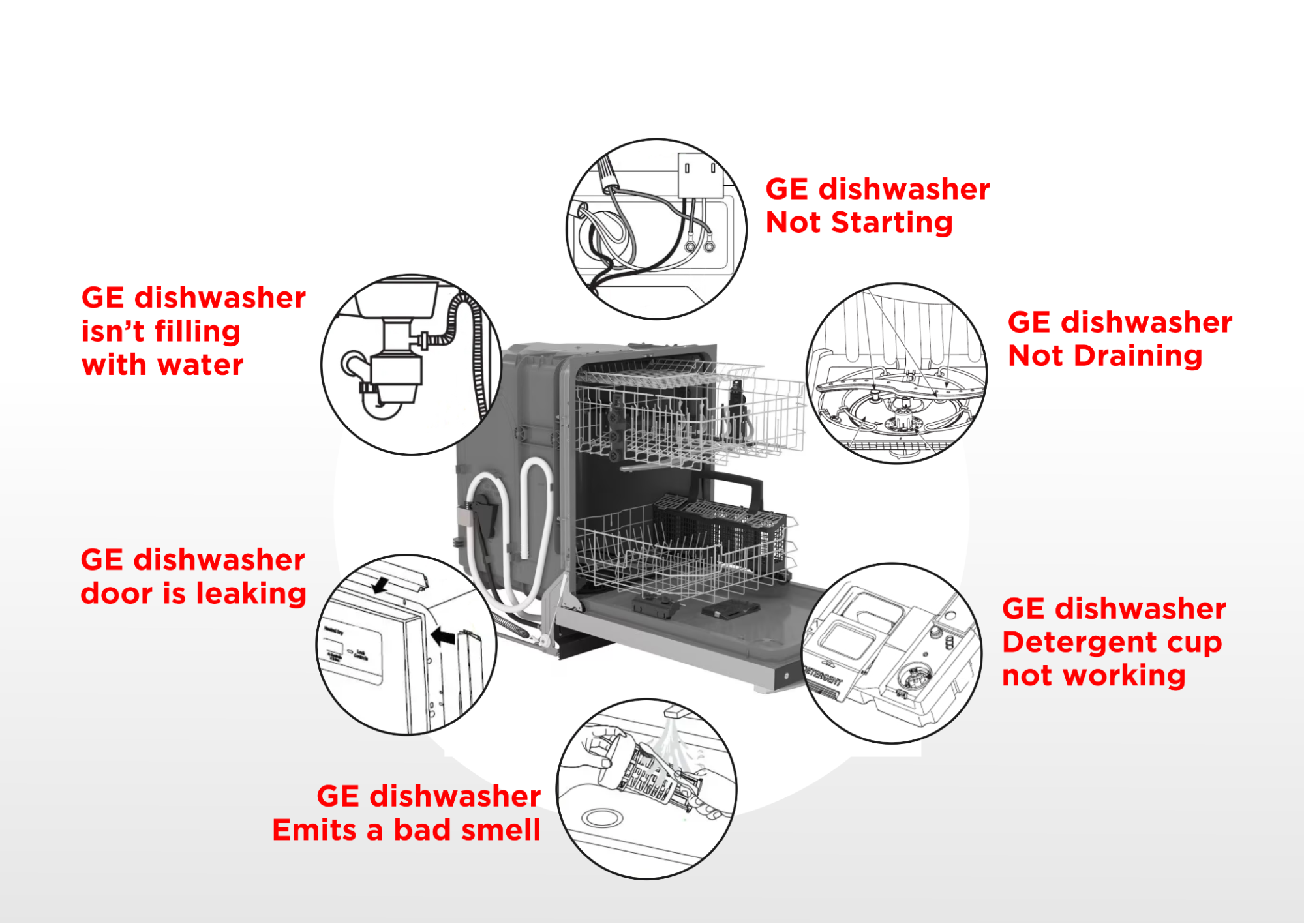
Identifying common symptoms helps troubleshoot your GE Profile dishwasher fast. These issues often signal specific problems. Recognizing them saves time and frustration. Each symptom points to parts or functions needing attention.
No Power Or Lights
Your dishwasher shows no signs of power or lights. It might be unplugged or a fuse could be blown. The door latch may not be fully closed. Check the power outlet and circuit breaker. Inspect the door latch for damage or misalignment. Faulty control boards can also cause this problem.
Won’t Start But Has Lights
The dishwasher lights turn on but it does not start. This often means the door latch is faulty or not fully engaged. Another cause can be a broken start switch. Control panel issues might also prevent starting. Listen for any sounds when pressing start. If silent, suspect electrical or door problems.
Not Draining Or Standing Water
Water remains in the dishwasher after the cycle ends. This usually means a clogged drain or blocked filter. The drain pump might be broken or obstructed. Check the drain hose for kinks or clogs. Cleaning the filter often fixes the issue. A faulty pump needs professional repair or replacement.
Poor Cleaning Or Dishes Not Drying
Dishes come out dirty or wet after a cycle. Spray arms may be clogged or blocked. Detergent dispenser might not open properly. Using the wrong detergent affects cleaning. Drying problems often stem from heating element failure. Check spray arms for food debris. Inspect the heating element for damage or wear.
Quick Fixes
Quick fixes can often solve common GE Profile dishwasher problems fast. These simple steps help avoid unnecessary repairs or service calls. Trying these fixes first saves time and money. They address issues like unresponsive controls, door problems, or drainage troubles.
Resetting The Control Board
Resetting the control board clears minor errors and glitches. Start by unplugging the dishwasher or switching off the circuit breaker. Wait about one minute, then restore power. This action resets the control panel and may resolve control issues. Press the start button to check if the dishwasher responds.
Checking The Door Latch
The dishwasher won’t start if the door latch is not secure. Open the door and inspect the latch for damage or dirt. Clean any debris that blocks the latch from closing fully. Close the door firmly until you hear a click. This ensures the dishwasher registers the door as closed and ready.
Cleaning The Filter And Spray Arms
Clogged filters or spray arms reduce cleaning performance. Remove the bottom rack and take out the filter. Rinse it under running water to clear food particles. Check the spray arms for blockages in the holes. Use a toothpick or brush to remove buildup. Replace parts and run a short cycle to test.
Inspecting Drain Hose And Air Gap
Drain problems may cause water to remain in the dishwasher. Check the drain hose at the back for kinks or clogs. Detach the hose and flush it with water to clear blockages. Look at the air gap (if installed) on the sink. Clean out any debris that stops water from draining properly.
Diagnostic Mode
The diagnostic mode in a GE Profile dishwasher helps find problems quickly. It lets you check the machine’s systems and see error messages. This mode saves time and effort by showing what needs repair. Using diagnostic mode is simple once you know the steps. It is a key tool for troubleshooting your dishwasher.
Entering Consumer Error Mode
Start by turning off the dishwasher. Press and hold the “Heated Dry” and “Normal” buttons together. Keep holding them while you turn the dishwasher back on. Release the buttons after the lights blink once. The dishwasher is now in consumer error mode. This mode displays error codes for you to read.
Interpreting Error Codes
Each error code shows a specific problem inside the dishwasher. Codes usually appear as blinking lights or numbers. Count the blinks to understand the code. For example, 3 blinks mean a water heating issue. Check your user manual for the full list of codes. Knowing the meaning helps fix the right part.
Using Diagnostic Tools
You can use simple tools like a multimeter to test parts. Some advanced GE dishwashers come with built-in diagnostic tools. These tools run tests on motors, sensors, and valves. Follow the instructions in the manual to activate these tests. Diagnostic tools give detailed info for a quick repair.
Expert Tips
Expert tips help keep your GE Profile dishwasher running smoothly. Simple care and quick checks prevent many problems. Knowing when to fix issues yourself saves time and stress. Some problems need a professional’s help to avoid damage.
Maintaining Optimal Performance
Clean the filter regularly to avoid clogs. Check spray arms for blockages. Run hot water before starting the dishwasher. Use the recommended detergent and amount. Keep the door seal clean and dry. These steps keep your dishwasher efficient and extend its life.
Preventing Common Issues
Check that the dishwasher is level to avoid leaks. Load dishes properly for better water flow. Avoid overloading or placing large items in the way. Inspect hoses for cracks or leaks often. Clean the detergent dispenser to ensure proper release. These habits reduce common problems like poor cleaning or water leaks.
When To Call A Professional
Call a technician if the dishwasher does not start at all. Strange noises or persistent leaks need expert attention. Electrical issues or error codes require professional diagnosis. Avoid fixing complex parts like the motor or control board yourself. A pro can ensure safe and proper repair.
Safety Precautions
Safety is the first step in any GE Profile dishwasher troubleshooting. Follow basic rules to protect yourself and your appliance. Simple care lowers risks of shocks, burns, or water damage. Stay alert and take time for these steps.
Power Supply Checks
Always unplug the dishwasher before any checks. Use a multimeter to test the outlet for power. Check the circuit breaker to ensure it has not tripped. Avoid touching wires or terminals with wet hands. Confirm the power cord is not frayed or damaged. These steps prevent electrical shock and further appliance damage.
Handling Electrical Components
Remove the dishwasher panel with care. Use insulated tools to avoid shocks. Keep metal objects away from the control board. Never touch the control board or wires when the unit is plugged in. Allow capacitors to discharge before working on electronics. If unsure, call a professional for help. Your safety depends on careful handling.
Avoiding Water Damage
Turn off the water supply before opening the dishwasher. Use towels or a bucket to catch any leaks. Check hoses for cracks or loose fittings. Replace damaged hoses immediately to prevent flooding. Keep electrical parts dry during repairs. Water and electricity together create a dangerous hazard. Protect your home and yourself by staying dry.

Frequently Asked Questions
What Is The Most Common Problem With A Ge Dishwasher?
The most common problem with a GE dishwasher is poor drainage. Clogged filters, kinked hoses, or a blocked air gap often cause this issue.
How Do I Reset A Ge Profile Dishwasher?
To reset a GE Profile dishwasher, press and hold the Start/Reset button for 3 seconds. The dishwasher will drain and restart automatically. If this doesn’t work, unplug the dishwasher for 5 minutes, then plug it back in to reset the control board.
How Do I Run A Diagnostic Test On My Ge Dishwasher?
To run a diagnostic test on your GE dishwasher, close the door securely. Press and hold the “Heated Dry” and “Normal” buttons simultaneously for 5 seconds. The dishwasher will enter diagnostic mode and display error codes. Follow the codes to identify issues.
What Is The Most Common Problem With A Dishwasher?
The most common dishwasher problem is poor drainage causing standing water. Clogged filters or drain hoses often cause this issue.
How Do I Reset My Ge Profile Dishwasher?
To reset, press the “Start/Reset” button and hold for 3 seconds. The dishwasher will drain and then restart its cycle. This clears minor errors and refreshes the control board.
Conclusion
Troubleshooting your GE Profile dishwasher can save time and money. Start with simple checks like the door latch and filter. Use the diagnostic mode to find specific issues quickly. Regular maintenance helps keep your dishwasher running smoothly. Don’t ignore small problems—they can become bigger if left alone.
Follow these tips to fix common dishwasher issues with ease. Your appliance will work better and last longer. Keep this guide handy for quick reference whenever needed.