
If you use Xfinity Internet, you expect a steady connection. So, seeing your Xfinity router blinking orange can be frustrating. This orange light often means your router is having trouble connecting to the internet, updating firmware, or facing other issues. Many users worry when this happens, wondering if they did something wrong or if the service is down. The good news is, an orange blinking light is a common problem, and in most cases, you can solve it yourself with a few steps.
This guide will explain what the orange blinking light means, why it happens, and how you can fix it. We’ll cover everything from simple checks to advanced troubleshooting, so you don’t miss any important details. You’ll also learn when it’s time to contact Xfinity support.
By the end, you’ll understand your router better and feel confident handling this problem if it appears again.
What Does The Xfinity Router Blinking Orange Mean?
When your Xfinity router blinks orange, it’s trying to tell you something is not quite right. This light is different from the normal white or green lights you see when your internet is working.
The orange blinking usually means:
- The router is updating its firmware
- There is a problem with the internet connection
- The device is trying to connect to Xfinity’s network but cannot
- The router is in “WPS” mode but not connecting
It’s important to notice the light’s behavior. If the orange light blinks for a few minutes then stops, it could be a normal update. If it keeps blinking for more than 10–15 minutes, it’s a sign something needs your attention.
Common Causes For Xfinity Router Blinking Orange
Many things can make your Xfinity router blink orange. Knowing the most common causes helps you fix the problem faster.
1. Firmware Update In Progress
Routers update their firmware to get new features and security patches. When the router updates, it often blinks orange. This should take only a few minutes. If it takes longer, something might be wrong.
2. Internet Service Outage
Sometimes, your internet provider is having problems. Bad weather, local maintenance, or technical issues can stop your router from connecting. During an outage, the router cannot reach the network, so it blinks orange.
3. Loose Or Damaged Cables
Cables that connect your router to the wall or modem can wear out or become loose. If the connection is weak or broken, your router will not get a steady signal and may blink orange.
4. Modem Issues
The problem may not be with your router, but with the modem. If the modem is off, stuck, or faulty, the router cannot get an internet signal.
5. Router Overheating
If your router gets too hot, it may start to have problems. Overheating can cause the device to lose connection and show the orange blinking light.
6. Weak Signal Or Poor Location
Placing your router in a closed, crowded, or far corner can weaken the signal. The router may have trouble staying connected and will blink orange.
7. Wps Connection Failure
WPS (Wi-Fi Protected Setup) lets you connect devices quickly. If you press the WPS button but the connection fails, your router may keep blinking orange.
8. Hardware Failure
Sometimes, routers just get old or have a hardware problem. Broken internal parts can cause blinking lights and connection problems.
9. Incorrect Configuration
If your router is not set up correctly, or the settings are changed by mistake, it can’t connect to the internet and may blink orange.
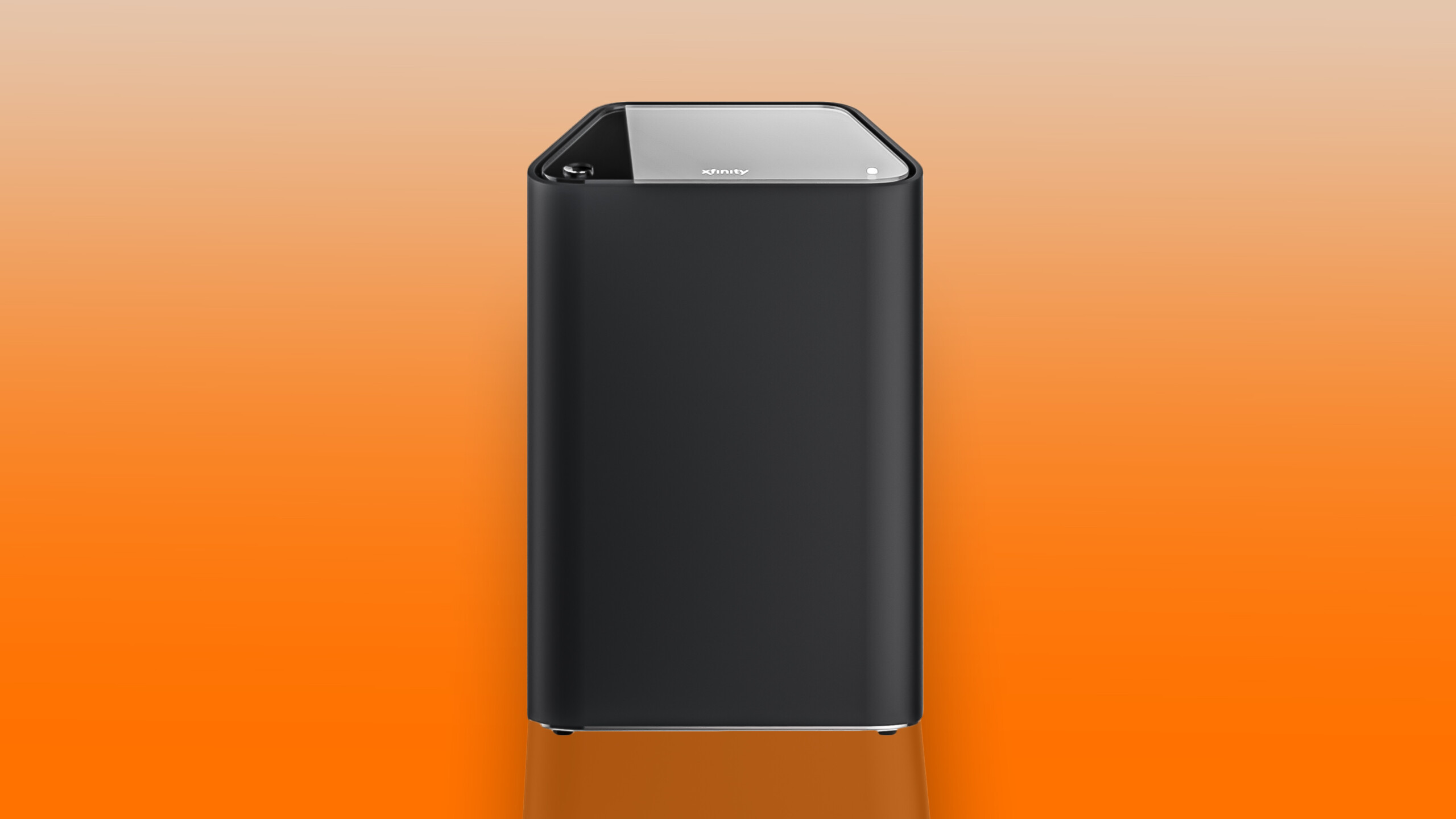
How To Fix Xfinity Router Blinking Orange
Now that you know the causes, let’s look at how to fix the problem. Start with the simplest solutions, and move to advanced steps if needed.
1. Wait For Firmware Updates To Finish
If you just restarted your router or set up a new device, wait for 10–15 minutes. Firmware updates can take a little time. Do not unplug or restart the router during this process, as it could cause more problems.
2. Check For Service Outages
Before changing cables or resetting your router, see if Xfinity is having a service outage. You can:
- Visit the Xfinity status page on your phone using mobile data
- Call the Xfinity support number
- Use the Xfinity app
If there’s an outage, you’ll have to wait until the service returns.
3. Inspect All Cables And Connections
Check all cables:
- Power cable (make sure it’s firmly plugged in)
- Ethernet cable from modem to router
- Coaxial cable from the wall to the modem
Replace any cable that looks worn or damaged. Make sure everything is tightly connected.
4. Restart Your Router And Modem
A simple restart solves many problems. Here’s how:
- Unplug the router and modem from the power outlet.
- Wait 60 seconds.
- Plug in the modem first. Wait until all lights are steady.
- Plug in the router and wait for the lights to stabilize.
This process refreshes the connection.
5. Move The Router To A Better Spot
Make sure your router is in an open area. Avoid placing it near microwaves, cordless phones, or inside cabinets. Good airflow prevents overheating and improves signal.
6. Try A Wired Connection
Connect a computer directly to the router using an Ethernet cable. If you get internet, the problem may be with your Wi-Fi settings, not the main connection.
7. Reset The Router
If nothing works, try a factory reset. Look for a small reset button on the back of the router.
- Use a paperclip to press and hold the reset button for 10 seconds.
- Release and let the router restart.
- Set up your Wi-Fi network again.
A reset erases all settings, so only do this if you are comfortable.
8. Contact Xfinity Support
If your router still blinks orange after all these steps, it’s time to call Xfinity support. There may be a hardware problem, or your account may need a fix.
Quick Troubleshooting Checklist
To make things easier, here’s a quick list:
- Wait for firmware updates to finish (10–15 minutes)
- Check Xfinity service status
- Inspect and secure all cables
- Restart router and modem
- Move router to an open spot
- Try wired connection
- Reset router if needed
- Contact support if nothing works

Different Xfinity Router Light Colors And Their Meanings
Your router uses different colors to communicate. Here’s a simple guide:
| Light Color | Meaning |
|---|---|
| Solid White | All systems normal, internet working |
| Blinking White | Booting up or connecting |
| Blinking Orange | Firmware update or connection issue |
| Solid Red | No internet connection |
| Blinking Blue | WPS mode active |
Knowing these colors helps you spot problems faster.
When Is It Normal For The Xfinity Router To Blink Orange?
Not every orange light is a problem. Sometimes, it’s normal. For example:
- Firmware updates: The router may blink orange during updates, which is normal if it lasts a few minutes.
- Setup process: When you first set up the router, it may blink orange while connecting.
- After a power outage: The router may need a few minutes to reconnect.
If the orange light lasts more than 15 minutes, it’s time to troubleshoot.
Advanced Troubleshooting For Persistent Orange Light
Some users find the orange light won’t go away, even after basic steps. Here are more advanced fixes.
1. Check For Ip Conflicts
If two devices on your network have the same IP address, your router may have trouble connecting.
- Go into your router’s admin page (usually 10.0.0.1 in your browser)
- Look for the “Connected Devices” section
- Remove any devices you don’t recognize or that appear twice
2. Update Router Firmware Manually
Sometimes, the router cannot complete a firmware update on its own.
- Download the latest firmware from the Xfinity website
- Follow the instructions to upload it to your router via the admin page
3. Change Wi-fi Channel
Interference from neighbors’ networks can cause connection problems.
- Log into the router’s admin page
- Change the Wi-Fi channel to one with less traffic (channels 1, 6, or 11 are best for 2.4 GHz)
4. Disable Wps
If the orange light is stuck after trying WPS, disable WPS in the router settings and restart the device.
5. Replace Faulty Hardware
If your router or modem is very old (over 5 years), consider replacing it. Hardware wears out, and old devices can’t keep up with new internet speeds.
Comparing Xfinity Router Models: Orange Light Troubles
Not all Xfinity routers are the same. Some models have more problems with the orange light than others.
| Model | Release Year | Orange Light Issues | Common Fixes |
|---|---|---|---|
| XB3 | 2015 | Frequent with old firmware | Update firmware, replace cables |
| XB6 | 2017 | Occasional with outages | Restart, check service status |
| XB7 | 2020 | Rare, usually WPS-related | Disable WPS, move router |
| XB8 | 2022 | Very rare | Contact support |
If you have an older model, it’s more likely you’ll see the blinking orange light. Upgrading can help.
Mistakes To Avoid When Fixing A Blinking Orange Light
Many users try to fix their routers but make mistakes that can make the problem worse.
- Unplugging during firmware updates: This can damage the router’s software.
- Using the wrong power adapter: Only use the adapter that came with your router.
- Resetting too often: Frequent resets can make things unstable.
- Ignoring cables: Even a small bend or fray can cause problems.
- Skipping updates: Outdated firmware leads to more errors.
Always follow the proper order: check for outages, inspect cables, restart, then reset.
When To Replace Your Xfinity Router
Some problems can’t be fixed, even by support. Here’s when it’s time for a new router:
- Device is more than 5 years old
- Frequent disconnects, even after resets
- Overheating often
- Physical damage (cracks, burnt marks)
- Xfinity support suggests replacement
Upgrading ensures better speed, security, and fewer problems.
Practical Tips For Preventing Router Issues
You can avoid many problems with regular care:
- Keep the router in a cool, open spot
- Check cables every few months for wear
- Update firmware when notified
- Limit the number of connected devices
- Restart your router once a month
These habits keep your router healthy and stable.
How Xfinity Support Can Help
If you can’t solve the orange light problem, Xfinity support can help in several ways:
- Remote troubleshooting: They can check your connection from their side.
- Sending a technician: If there’s a line problem, a tech can visit.
- Replacing faulty hardware: They may ship you a new router or modem.
You can reach support by phone, chat, or the Xfinity app.
Real User Experiences
Many users have shared their stories about the blinking orange light on forums and social media.
- Case 1: A user’s router blinked orange after a thunderstorm. The problem was a damaged coaxial cable outside the house.
- Case 2: Another found the orange light started after connecting a new smart TV. The fix was to change the Wi-Fi channel.
- Case 3: A customer said their router blinked orange for hours. Xfinity support found a neighborhood outage and fixed it within a day.
These stories show that the cause is not always inside your home. Sometimes, outside factors play a big role.
Comparing Xfinity To Other Providers: Router Light Problems
Xfinity is not the only provider with blinking light issues. Here’s a quick comparison with other top providers:
| Provider | Common Router Light | Typical Cause | Average Fix Time |
|---|---|---|---|
| Xfinity | Blinking Orange | Firmware, outages, cables | 30–60 minutes |
| AT&T | Blinking Red | Line problems, modem errors | 1–2 hours |
| Spectrum | Blinking Blue | WPS, service updates | 30–90 minutes |
| Verizon | Blinking White | Firmware or setup | 20–60 minutes |
While colors differ, the problems and solutions are often similar.
Two Insights Most Users Miss
- Check the power source: Many routers share power strips with other devices. If the strip is overloaded or has a loose connection, the router may not get steady power, causing blinking lights. Try plugging your router directly into a wall outlet.
- Neighborhood signal quality: Sometimes, the signal from Xfinity to your whole neighborhood is weak, not just your home. Asking a neighbor if they have internet problems can quickly show if it’s just you or a bigger issue.
What To Do If The Blinking Orange Light Returns Often
If your router works for a while but keeps blinking orange every few days:
- Track when it happens (time of day, weather, new devices)
- Ask Xfinity for a line quality check
- Consider replacing both the modem and router, especially if they’re old
- Use surge protectors to avoid power problems
Persistent issues usually mean a hardware or line problem.

Where To Find More Help
For official guides and advanced troubleshooting, check the Xfinity Support website. You can find detailed guides, videos, and contact options.
Frequently Asked Questions
Why Is My Xfinity Router Blinking Orange And Not Connecting To The Internet?
The orange blinking light means your router cannot connect to Xfinity’s network. It can be due to a firmware update, service outage, loose cables, or modem issues. Try restarting your devices, checking for outages, and securing all cables.
How Long Should I Wait If My Xfinity Router Is Blinking Orange?
Wait up to 15 minutes. If the orange light continues, it’s likely not a normal update. Start troubleshooting by checking cables, restarting, and looking for outages.
Will Resetting My Router Fix The Orange Blinking Light?
A factory reset can solve software problems, but only do it after simpler steps like restarting or checking cables. Remember, a reset erases your custom settings.
Can An Old Router Cause The Orange Blinking Light?
Yes. Old routers can have hardware failures or outdated firmware, leading to connection problems and blinking lights. Consider upgrading if your router is more than 5 years old.
Who Should I Contact If The Orange Light Won’t Stop Blinking?
If you’ve tried all troubleshooting steps and the orange light stays, contact Xfinity support. They can check your line, replace faulty devices, or send a technician.
If you follow the steps above, you’ll be able to fix most Xfinity router blinking orange problems yourself. The key is to stay calm, check each part of your setup, and ask for help when needed. This way, you’ll get your internet back up and running smoothly.