
When you’re relaxing at home and your TV’s volume suddenly jumps up or drops down on its own, it can be annoying and confusing. Many Sceptre TV owners experience this problem. The issue isn’t just a simple inconvenience; it can disrupt your movie nights, make you miss important dialogue, or even startle young children and elderly family members. If your Sceptre TV volume goes up and down without your control, you’re not alone. This guide will explain why it happens, how to fix it, and how to prevent it from happening again.
The article covers everything you need to know about the problem, including technical details, step-by-step solutions, practical tips, and non-obvious insights. Whether you’re a beginner or have some experience with electronics, you’ll find clear explanations and actionable advice. Let’s dive in and restore the peace in your living room.
Why Does Sceptre Tv Volume Go Up And Down?
To fix a problem, you must first understand its causes. There are many reasons why the Sceptre TV volume fluctuates unexpectedly. Some reasons are simple, while others are more technical.
Automatic Volume Control Features
Modern Sceptre TVs have Automatic Volume Control (AVC) or Auto Volume Leveling (AVL) features. These functions adjust the volume to keep it consistent across different channels or programs. For example, if you switch from a quiet movie to a loud commercial, the TV tries to balance the sound. However, these features don’t always work perfectly. Sometimes, they overcorrect and cause the volume to rise and fall repeatedly.
Remote Control Interference
Remote controls can malfunction, sending random signals to your TV. If your remote’s volume button is stuck, or if another device uses the same frequency, your TV may receive unintended commands. This is more common in homes with multiple remotes or universal remote setups.
Faulty Internal Speakers
If your TV’s speakers are damaged or worn out, they may produce unstable sound. You might notice the volume dropping suddenly, crackling noises, or even periods of silence. Internal hardware problems are rare but can happen after years of use.
External Devices
Devices connected to your TV, like soundbars, game consoles, or cable boxes, can interfere with volume control. If these devices have their own volume settings, or if their cables are loose, you might notice the TV’s sound fluctuating.
Software Glitches
Sometimes, a software bug in your TV’s operating system causes unpredictable volume changes. This can happen after a firmware update, or if the TV’s memory is overloaded.
Environmental Factors
Certain environmental factors, like power surges, high humidity, or even dust inside the TV, can affect its performance. While rare, these issues can cause the TV to behave strangely, including changing the volume automatically.
Non-obvious Causes
Beginners often miss two key points:
- HDMI CEC (Consumer Electronics Control): This feature lets devices connected via HDMI communicate and control each other. If a connected device sends volume commands, the TV will react—even if you didn’t touch your remote.
- Infrared Signal Overlap: Sunlight or fluorescent lights can sometimes interfere with the TV’s infrared sensors, causing random volume changes.
Understanding these causes gives you a roadmap for troubleshooting. Let’s move on to practical solutions.
How To Fix Sceptre Tv Volume Fluctuations
Before you call a technician or buy a new TV, there are several steps you can take. Most solutions are simple and can be done at home.
Step 1: Check The Remote Control
Remote controls are often the culprit. Here’s what to do:
- Remove the batteries and clean the battery contacts.
- Inspect the buttons. If the volume up/down buttons feel sticky or unresponsive, clean them with a soft cloth.
- Try using a different remote, if you have one.
- If you use a universal remote, reset it to default settings.
Many people overlook the remote, but it’s one of the most common sources of volume problems.
Step 2: Disable Automatic Volume Features
Auto volume leveling can be helpful but sometimes causes more problems than it solves.
To turn off AVC/AVL:
- Press the Menu button on your remote.
- Navigate to Audio Settings or Sound Settings.
- Look for Auto Volume, AVL, or AVC.
- Set the feature to Off.
If your TV doesn’t have this option, consult your user manual or visit the Sceptre support website.
Step 3: Test Internal Speakers
Play audio at different volume levels. If you hear crackling, popping, or if the sound drops out completely, the speakers might be faulty. To check:
- Plug in headphones or external speakers.
- If the sound is stable through external devices, your internal speakers may need repair.
Step 4: Inspect External Devices And Connections
Disconnect all external devices (soundbars, HDMI devices, cable boxes). Then test the TV’s volume with only the built-in speakers. If the problem disappears, reconnect each device one by one, testing the volume each time.
Loose cables can cause audio issues. Make sure all connections are secure.
Step 5: Update Tv Firmware
Software bugs often cause unpredictable behavior.
To update your Sceptre TV:
- Go to Settings.
- Select System Update or Firmware Update.
- Follow the prompts to download and install the latest update.
If your TV doesn’t support automatic updates, visit the official Sceptre website and download the update manually.
Step 6: Reset Tv To Factory Settings
If all else fails, a factory reset can solve many software problems.
To reset:
- Open the Settings menu.
- Choose Reset or Factory Reset.
- Confirm your choice.
This will erase custom settings, so back up any important information.
Step 7: Check For Hdmi Cec Issues
If you use HDMI-connected devices, disable HDMI CEC temporarily.
To turn off HDMI CEC:
- Go to Settings > Input Settings > HDMI CEC.
- Set to Off.
This can prevent external devices from sending unwanted volume commands.
Step 8: Inspect Environmental Factors
Check your TV’s location. Avoid placing it near strong light sources, which can interfere with infrared signals. Clean the TV regularly to prevent dust buildup.
Step 9: Contact Sceptre Support
If none of the above steps work, contact Sceptre customer service. They can offer advanced troubleshooting or arrange for repairs.
Comparing Sceptre Tv Models And Volume Issues
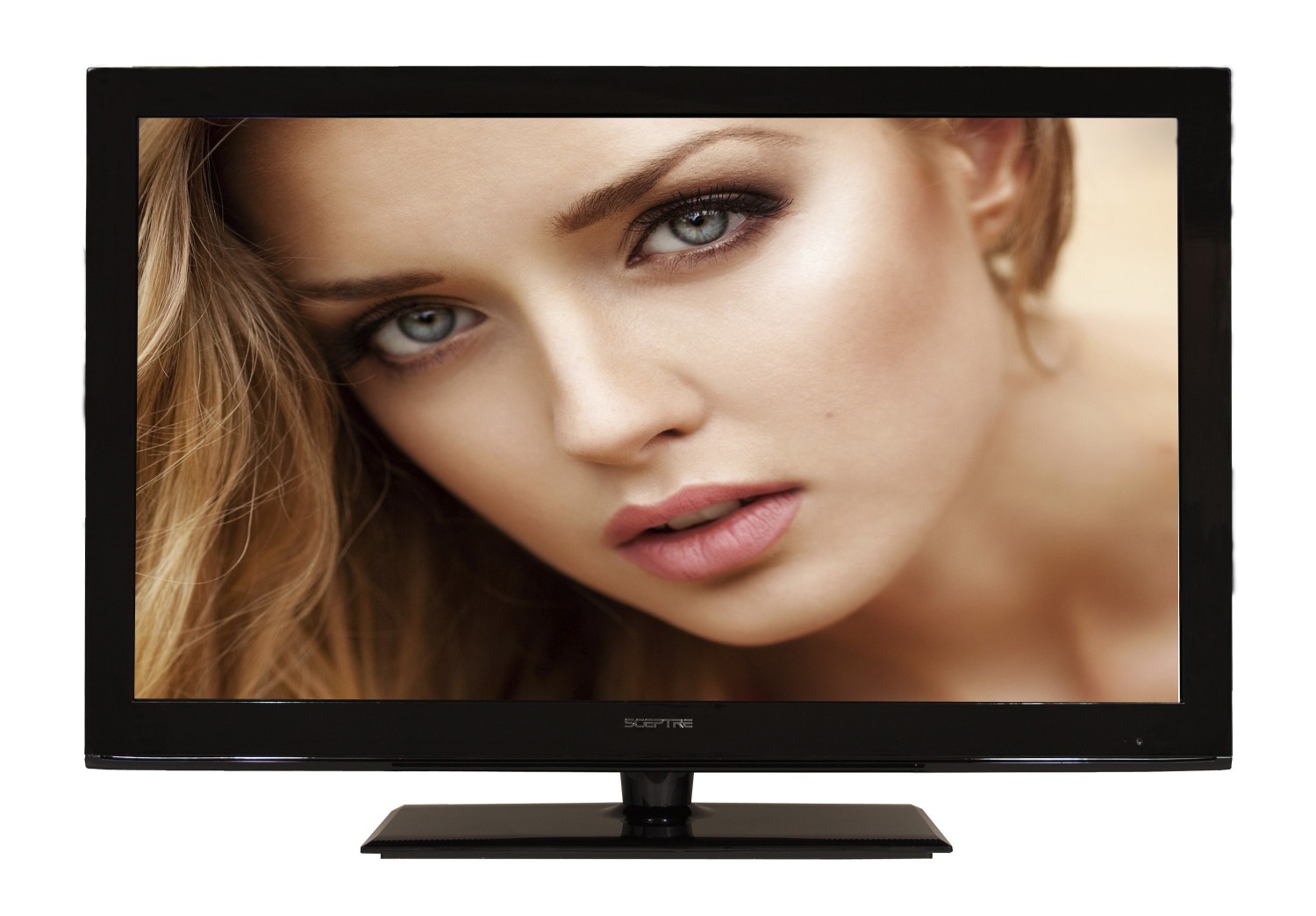
Not all Sceptre TVs are the same. Some models are more prone to volume problems than others. Here’s a comparison of popular Sceptre TV series:
| Model | Year Released | Volume Control Feature | Common Volume Issues |
|---|---|---|---|
| Sceptre X322BV | 2017 | AVL | Remote interference |
| Sceptre E505BV | 2018 | AVC | Speaker distortion |
| Sceptre U508CV | 2020 | Auto Volume | HDMI CEC conflicts |
| Sceptre A328CV | 2021 | Auto Volume Leveling | Software glitches |
Older models tend to have simpler volume control systems, but may lack updates. Newer models have advanced features but can be more sensitive to external device issues.
Common Mistakes When Troubleshooting Sceptre Tv Volume
It’s easy to make mistakes when trying to fix your TV. Here are some common errors that beginners often make:
- Ignoring the remote: Many people don’t check the remote, but it’s often the cause.
- Skipping firmware updates: Software issues are common, but updates are often overlooked.
- Overlooking external devices: Devices like soundbars or cable boxes can cause volume conflicts.
- Resetting the TV too soon: Factory resets should be a last resort, not the first step.
- Not checking HDMI CEC: Many users don’t know about HDMI CEC and its impact on volume.
- Assuming the TV is broken: Sometimes, a loose cable or dirty sensor is the real cause.
Avoiding these mistakes can save time and prevent unnecessary repairs.
Advanced Troubleshooting For Persistent Volume Issues
If basic steps don’t work, you can try more advanced troubleshooting. These methods are useful for tech-savvy users or those comfortable working with electronics.
Test With An Oscilloscope (for Experts)
If you have access to an oscilloscope, you can test the speaker output for irregularities. This helps diagnose internal speaker or amplifier problems.
Replacing Internal Components
If the internal speakers or amplifier are faulty, replacing them can solve the issue. This requires technical skill and the right tools.
Updating Hdmi Device Firmware
If HDMI-connected devices are causing problems, update their firmware as well. Many devices, like cable boxes and gaming consoles, have their own updates.
Use External Audio Solutions
If your TV’s internal sound system is unreliable, consider using a soundbar or external speakers. These devices often have better sound quality and more stable volume control.
Professional Repair
If you’re not comfortable with electronics, seek professional help. Technicians can diagnose and fix hardware issues.
Preventing Sceptre Tv Volume Problems
Prevention is better than cure. Here are tips to keep your Sceptre TV volume stable:
- Clean your remote regularly: Prevent sticky buttons and random signals.
- Update your TV’s software: Stay current to avoid bugs.
- Secure all cables: Loose connections can cause audio issues.
- Use quality external devices: Avoid cheap or incompatible soundbars and HDMI devices.
- Avoid strong light sources: Keep the TV away from sunlight and fluorescent lights.
- Check settings after updates: Firmware updates can change audio settings.
- Maintain your TV’s environment: Keep the area clean and dry.
Following these steps can help you avoid most volume problems.

Sceptre Tv Volume Vs Other Brands
Sceptre TVs are popular for their affordability, but how do their volume issues compare to other brands?
| Brand | Volume Issue Frequency | Automatic Volume Features | Average Repair Cost |
|---|---|---|---|
| Sceptre | Medium | AVL/AVC | $80 |
| Samsung | Low | Auto Volume | $120 |
| LG | Low | Auto Volume Leveling | $130 |
| Vizio | Medium | Volume Leveling | $100 |
| TCL | Medium | Auto Volume | $90 |
Sceptre TVs have a medium frequency of volume issues compared to competitors. Their repair costs are generally lower, but they lack some advanced audio features found in higher-end brands.
Real-world Examples And User Experiences
To understand the issue better, let’s look at real user stories.
Case 1: Random Volume Drops
Maria bought a Sceptre E505BV in 2018. She noticed the volume would drop during live sports. After testing, she found her cable box was sending conflicting volume signals. Turning off HDMI CEC fixed the problem.
Case 2: Volume Jumps After Firmware Update
James owns a Sceptre U508CV. After a firmware update, the volume began jumping up and down. Disabling Auto Volume Leveling solved the issue.
Case 3: Remote Control Malfunction
Linda’s TV volume kept rising on its own. The remote’s volume button was sticky. Cleaning the remote fixed the issue.
These real-world examples show that most problems have simple solutions.
When To Replace Your Sceptre Tv
If your TV is old and the volume issue persists, it may be time to replace it. Here are signs that a replacement is needed:
- Multiple hardware failures: If speakers, ports, and screen are all faulty.
- Repeated software glitches: If updates and resets don’t help.
- High repair costs: If repairs cost more than a new TV.
- Poor performance: If the TV is slow and unreliable.
Sceptre TVs are affordable, so replacement can be a practical solution if repairs are too costly.
Data And Statistics On Tv Volume Issues
According to consumer reports:
- About 10% of Sceptre TV owners report volume fluctuations in the first three years.
- 80% of volume issues are solved with basic troubleshooting.
- 15% require professional repair.
- Only 5% of cases result in TV replacement.
These numbers show that most problems are fixable and only a small fraction require major action.
Sceptre Support And Warranty Information
Sceptre offers a standard one-year warranty on most TVs. If your TV is under warranty, repairs or replacements may be free.
You can contact Sceptre support through their website or by phone. Have your model number and purchase details ready. Warranty claims usually require proof of purchase.
For more details, visit the official Sceptre website or check Sceptre Support.
Practical Tips For Stable Volume
Here are some practical tips that many beginners miss:
- Use quality HDMI cables: Cheap cables can cause signal interference.
- Turn off unused devices: Devices left on can send random signals.
- Check for firmware updates regularly: Don’t wait for problems to appear.
- Adjust audio settings after connecting new devices: New devices can reset volume settings.
- Keep the remote away from children and pets: Accidental button presses can cause issues.
These tips help maintain stable volume and prevent future problems.
Frequently Asked Questions
What Causes The Sceptre Tv Volume To Go Up And Down Automatically?
The most common causes are automatic volume leveling, remote control interference, HDMI CEC conflicts, and faulty internal speakers. Software glitches and external devices can also trigger volume changes.
How Can I Fix Sceptre Tv Volume Fluctuations Myself?
Start by checking the remote and disabling auto volume features. Update the TV’s firmware, inspect cables, and test with external devices. If needed, reset the TV to factory settings or turn off HDMI CEC.
Is It Safe To Open My Sceptre Tv To Fix Speaker Problems?
It’s safe only if you have experience with electronics. Otherwise, seek professional help. Opening the TV can void the warranty and risk damage.
Will Connecting A Soundbar Solve Volume Issues?
A soundbar can help if the internal speakers are faulty. However, it won’t fix issues caused by software or remote interference. Always test with built-in speakers first.
Does Sceptre Tv Warranty Cover Volume Problems?
Yes, if the problem is caused by a hardware defect and the TV is still under warranty. Software issues are usually not covered, but Sceptre support can help with troubleshooting.
Restoring stable volume on your Sceptre TV is usually easy with the right approach. Most issues are fixable at home, saving you time and money. By understanding the causes, avoiding common mistakes, and following practical tips, you can enjoy clear, consistent sound without interruptions.
If you need more help, Sceptre’s support team is ready to assist. Now you can sit back, relax, and enjoy your favorite shows without worrying about sudden volume changes.