
Is your stove constantly clicking, even when you’re not cooking? That irritating sound isn’t just a minor annoyance—it’s a sign that something might be wrong with your stove’s ignition system.
You might wonder if it’s safe to keep using your stove or how to stop the noise for good. The truth is, a stove that keeps clicking can mean trapped moisture, misaligned burner parts, or worn-out components. Ignoring it could lead to bigger problems or even safety risks in your kitchen.
But don’t worry—you’re in the right place. This article will help you understand why your stove keeps clicking and show you simple, effective fixes you can try yourself. Keep reading to silence that persistent clicking and get your stove back to working quietly and safely.
Common Causes
Stove clicking is a common problem that can annoy anyone in the kitchen. This sound usually means the stove’s igniter keeps sparking but fails to light the burner. Several issues cause this continuous clicking. Understanding these common causes helps fix the problem quickly and safely.
Most causes relate to parts that get dirty, wet, or misaligned. Some issues need simple cleaning or adjustment. Others may require a part replacement to stop the clicking. Here are the main reasons your stove keeps clicking.
Moisture And Spills
Water or food spills can reach the igniter and burner area. Moisture causes the igniter to short circuit. This leads to continuous clicking even when the burner is off. Let the stove dry completely to stop the clicking. Wiping spills immediately prevents this issue.
Misaligned Burner Cap
The burner cap must sit correctly on the burner base. If it moves out of place, the igniter may keep sparking. A misaligned cap blocks proper gas flow and ignition. Placing the burner cap back in the right position often solves the problem.
Dirty Or Greasy Igniter
Grease and dirt build-up on the igniter causes poor sparks. These particles stop the igniter from lighting the gas. Clean the igniter gently with rubbing alcohol and a soft cloth. Regular cleaning keeps the igniter working well and quiet.
Faulty Igniter Switch
The igniter switch controls the spark to the burner. A broken or stuck switch causes continuous clicking. Testing the switch and replacing it if needed stops the noise. Faulty switches may also prevent the stove from lighting properly.
Clogged Gas Nozzle
Gas flows through small nozzles to reach the burner. Dust, dirt, or food can block these nozzles. A clogged nozzle reduces gas flow and causes the igniter to keep clicking. Use a thin wire or needle to clear the nozzle safely. This restores proper gas flow and stops the clicking.
Quick Cleaning Tips
Quick cleaning can stop your stove from clicking nonstop. Dirt and moisture often cause this issue. Regular cleaning keeps the igniter working well. Use simple tools and safe cleaners to fix your stove fast. Follow these tips to clean key parts of your stove.
Drying The Igniter Area
Moisture around the igniter causes constant clicking. Use a dry cloth or paper towel to wipe it gently. Let the area air dry for 10 to 15 minutes. Avoid using water directly. Drying the igniter helps stop unwanted sparks and noise.
Cleaning With Rubbing Alcohol
Rubbing alcohol removes grease and grime from the igniter. Dip a cotton swab in alcohol and clean the igniter’s surface carefully. It dries quickly and does not harm the stove parts. This cleaning removes build-up that may cause clicking sounds.
Removing Debris From Burner Head
Food crumbs and debris block the burner head and cause clicking. Take off the burner cap and wipe the burner head with a damp cloth. Use a soft brush to clear stuck particles. Clean burner heads help gas flow smoothly and stop clicking.
Clearing Gas Jets With A Wire Or Paperclip
Gas jets can get clogged by dirt or grease. Push a thin wire or paperclip gently into the gas jet holes. Move it around to clear any blockage. Be careful not to damage the jets. Clear jets allow gas to flow well and prevent constant clicking.
Proper Burner Alignment
Proper burner alignment plays a crucial role in stopping your stove from constantly clicking. When burner parts are not aligned correctly, the igniter can keep sparking without lighting the flame. This misalignment causes the stove to click repeatedly, creating an annoying noise and wasting energy.
Fixing burner alignment is simple and can prevent damage to your stove. It also ensures even gas flow and safe operation. Checking the burner caps and their placement helps solve the clicking problem quickly.
Removing And Replacing Burner Caps
Start by turning off the stove and allowing it to cool completely. Lift the burner cap straight up to remove it. Clean the cap and the burner base from any dirt or food debris.
After cleaning, place the burner cap back on the base carefully. Make sure it fits securely without any gaps. Avoid forcing it into place to prevent damage.
Ensuring Caps Sit Flat And Centered
Check that the burner cap sits flat on the burner base. It should not rock or tilt. A tilted cap can cause the igniter to keep clicking.
Center the cap over the burner head so the gas flows evenly. Proper centering helps the spark ignite the gas efficiently. This simple step often stops the continuous clicking noise.

Credit: 5starappliancerepair.pro
When To Replace Parts
Knowing when to replace parts on your stove is key to stopping the clicking noise. Small faults can turn into bigger issues fast. Replacing worn parts keeps your stove safe and working well. It also saves money by avoiding costly repairs later. Watch for signs of damage or failure. Act quickly to keep cooking easy and safe.
Identifying A Bad Igniter Switch
The igniter switch starts the spark for your burner. A bad igniter switch causes constant clicking without lighting the flame. Check if the clicking never stops even when you turn off the burner. Look for cracks or burn marks on the switch. A worn igniter switch may also feel loose or sticky. Testing with a multimeter can confirm if it is faulty. Replace the igniter switch if it fails the test or shows physical damage.
Replacing A Damaged Burner Switch
The burner switch controls the gas flow and ignition spark. If it is damaged, the stove may keep clicking or fail to light. Signs include a switch that does not click firmly or feels stuck. Burn marks or melted plastic indicate damage. Remove the knob and unscrew the burner switch to inspect it. Replace the switch with a compatible new part. Proper replacement stops the clicking and ensures safe operation.
Safety Precautions
Stove clicking can signal underlying issues that need attention. Safety comes first when dealing with any appliance problems. Taking proper precautions protects you and your home from harm. Follow these key safety steps before handling your stove.
Unplugging Before Maintenance
Always unplug your stove before any cleaning or repairs. This stops the electric current that powers the igniter. Unplugging prevents accidental shocks or sparks. Wait a few minutes to let any residual power drain. Never work on the stove while it is plugged in.
Avoiding Gas Leaks
Gas leaks are dangerous and can cause fires or explosions. Check that all knobs are turned off before starting work. Avoid smelling or hearing gas hissing near the stove. If you detect gas, do not touch the stove or switches. Open windows and leave the area immediately. Call your gas company or emergency services right away.
When To Call A Professional
Some stove issues need expert help. If the clicking continues after basic cleaning, stop working on it. Problems with gas lines, wiring, or igniters require trained technicians. Calling a professional reduces risks and ensures proper repairs. Do not try to fix gas leaks or electrical faults yourself.
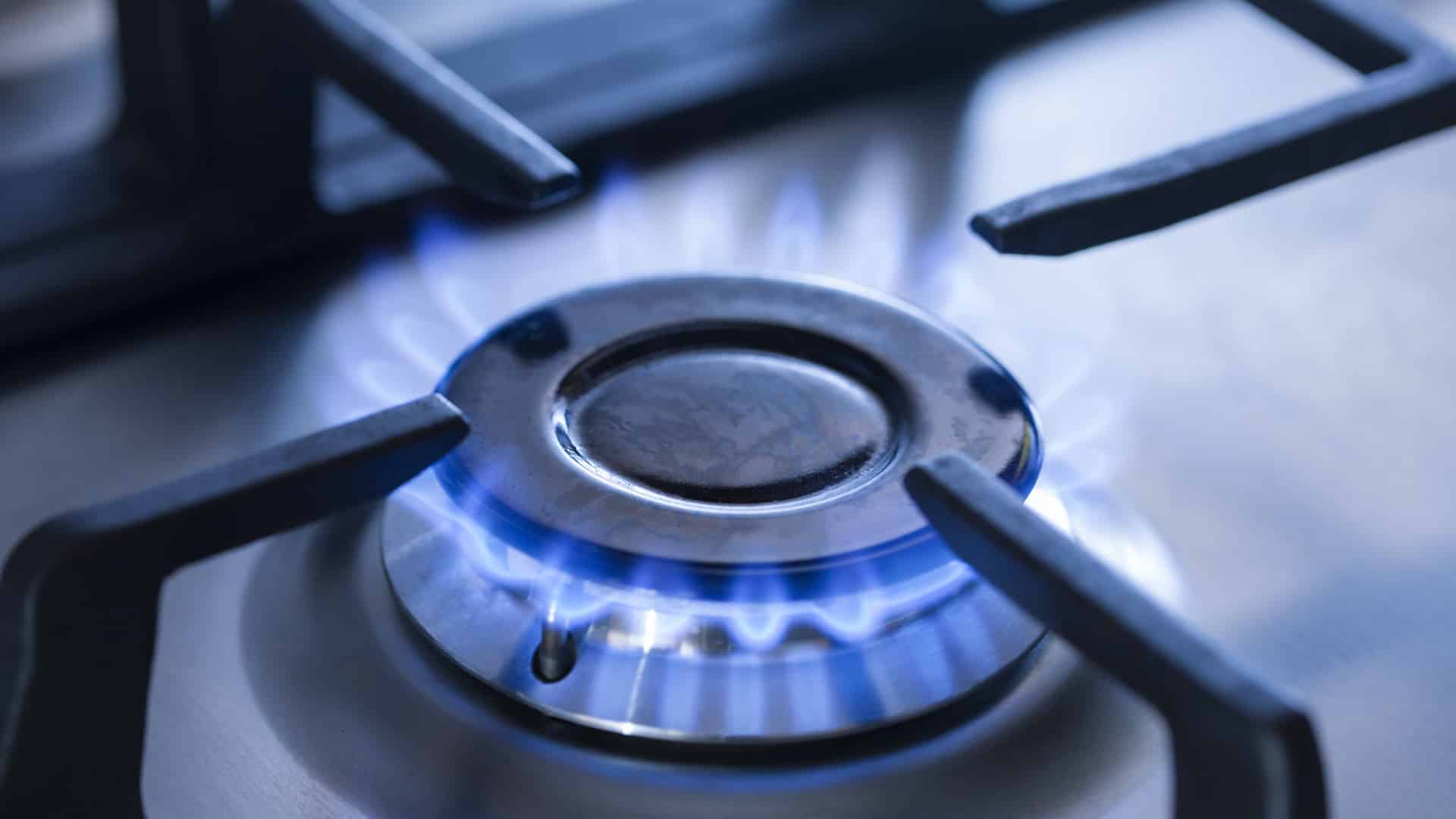
Credit: d3appliance.com
Preventing Future Clicking
Preventing your stove from clicking continuously saves time and avoids frustration. The clicking often happens due to moisture, dirt, or misplaced parts. Taking simple steps can stop this noise and keep your stove working well. Regular care and correct use prevent many common problems. Below are key ways to avoid future clicking sounds.
Regular Cleaning Routine
Clean your stove regularly to remove food and grease build-up. Use a soft cloth and mild cleaner to wipe the burner area. Avoid harsh chemicals that can damage parts. Keep the igniter dry and free of debris. Cleaning stops moisture and dirt from causing clicks. A clean stove works smoothly without unwanted noises.
Avoiding Spills And Moisture
Spills and moisture cause the igniter to keep clicking. Wipe up spills immediately after cooking. Use a dry cloth to absorb water around the burners. Avoid pouring water directly on the stove. Moisture can short-circuit the igniter and create clicking sounds. Keeping the stove dry prevents electrical problems and extends its life.
Proper Use Of Burner Caps
Place burner caps correctly after cleaning or cooking. Misaligned caps block gas flow and cause clicking. Check caps sit flat and cover the burners fully. Loose or tilted caps disrupt ignition and cause noise. Proper placement ensures the flame lights quickly and stays steady. This simple step avoids many ignition issues.
Frequently Asked Questions
How Do I Fix My Stove That Keeps Clicking?
Clean the igniter and burner area to remove moisture, grease, or debris. Ensure burner caps are properly aligned. Unplug the stove, dry all parts, then plug it back in. Replace faulty igniter switches if clicking persists.
Can I Use My Stove If It Keeps Clicking?
Avoid using your stove if it keeps clicking continuously. Persistent clicking may indicate moisture, misaligned parts, or faulty igniters, posing safety risks. Unplug the stove, dry the igniter area, and ensure burner caps are properly seated before use. Seek professional repair if the problem persists.
Is It Normal For A Gas Stove To Make A Clicking Noise?
Yes, a gas stove clicking noise is normal during ignition. Continuous clicking often signals moisture, grease, or misaligned parts. Unplug the stove, dry the igniter area, and ensure burner caps fit properly to stop the noise.
Why Is My Range Igniter Clicking When Not In Use?
Your range igniter clicks when not in use due to moisture, grease buildup, or a faulty igniter switch. Cleaning or replacing the switch usually stops it.
Why Does My Stove Keep Clicking Nonstop?
Continuous clicking often means moisture or food debris is on the igniter. Cleaning the igniter and letting it dry usually stops the noise. Sometimes, misaligned burner parts can cause clicking too.
Conclusion
A stove that keeps clicking can be annoying and unsafe. Regular cleaning helps stop moisture and grease buildup. Make sure burner parts fit correctly and dry before use. Check for worn igniters or switches and replace if needed. Small fixes often solve the problem quickly.
Don’t ignore constant clicking; it could lead to bigger issues. Stay safe and keep your stove working smoothly with simple care.