
When your TCL TV light blinks twice, it can be both confusing and frustrating. Maybe you were ready to watch your favorite show, and now the TV just sits there, blinking but not turning on. If you’ve searched for answers online, you’ve probably seen many quick tips and mixed advice. But what does this blinking pattern really mean? More importantly, what should you do next?
This in-depth guide will help you understand why your TCL TV light is blinking twice. You will learn the real causes, how to diagnose the problem, and the best solutions—without wasting money on unnecessary repairs. Whether you’re a beginner or have some experience with electronics, you’ll find easy explanations, practical steps, and tips that most people miss.
What Does A Blinking Light Mean On A Tcl Tv?
LED indicators on smart TVs are not just for decoration. They are a basic way for your TV to talk to you. Each blinking pattern usually tells you about a specific problem. On TCL TVs, a blinking light (especially two blinks) is often a signal from the TV’s internal system.
- One blink might mean a simple power issue.
- Two blinks is more serious, usually linked to hardware or software errors.
- Three or more blinks can mean even deeper problems.
The meaning of these codes can change between models. However, two blinks often point to a power supply problem, mainboard failure, or a firmware/software issue. It’s like a car’s “check engine” light—the TV knows something is wrong and wants you to pay attention.
Common Reasons For Tcl Tv Light Blinking Twice
Understanding why this happens is the key to fixing your TV. Let’s look at the main reasons:
1. Power Supply Issues
Most TCL TVs depend on a stable flow of electricity. If something is wrong with the power supply board or the power adapter, your TV might not start. The system senses this and blinks the light twice.
Causes can include:
- Faulty power cord or adapter
- Power surges or outages
- Internal faults on the power supply board (like a blown capacitor)
- Loose cable connections
Non-obvious tip: Many people forget to check if their surge protector or wall outlet is working. Always test your TV in a different outlet before assuming the TV is broken.
2. Mainboard Or Motherboard Failure
The mainboard (or motherboard) is the brain of your TV. If it fails, your TV can’t start up properly. Two blinking lights are a common warning signal for this.
Signs of mainboard problems:
- TV won’t turn on at all
- No picture, but the light blinks
- TV turns on, then shuts down quickly
Example: A user reported that after a lightning storm, their TCL TV would not start, and the light blinked twice. The mainboard had a damaged chip that needed replacement.
3. Firmware Or Software Errors
Smart TVs rely on software to run apps and display content. If the software is corrupted (for example, after a failed update or sudden power loss), the TV might get stuck in a loop and blink twice.
Important insight: Some TCL TVs will not start if the firmware is missing or damaged, even if the hardware is fine.
4. Backlight Failure
All modern TCL LED TVs use a backlight to make the picture visible. If the backlight fails, the TV might sense a problem and blink the light twice.
Clue: If you hear sound but see no picture and the light blinks, backlight failure is likely.
5. Faulty Remote Sensor Or Buttons
Sometimes, the TV’s physical power button or remote sensor gets stuck or fails. This can confuse the TV’s start-up process.
Tip: Try turning on your TV using both the remote and the button on the TV itself. If one works and the other doesn’t, the problem may be with the button or the sensor.
6. Overheating Or Environmental Factors
TCL TVs have sensors to protect themselves from damage. If the room is too hot, or if the TV’s vents are blocked, it may not start and will blink twice as a warning.
7. Hdmi Or Connected Device Problems
A device plugged into your TV (like a game console or streaming stick) can sometimes cause the TV to fail its self-check. This can also trigger the two-blink warning.
Non-obvious tip: Unplug all devices from your TV and try again. Many users forget that a faulty HDMI device can cause this problem.
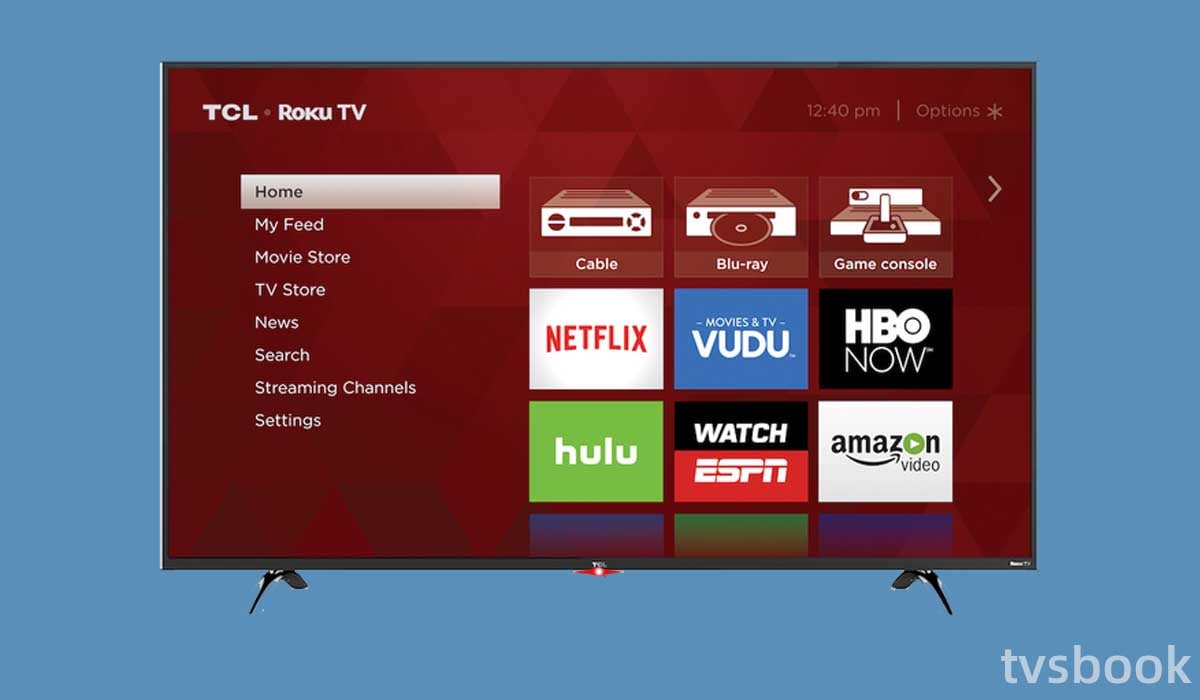
How To Diagnose The Problem: Step-by-step
Before calling a repair shop, you can do some simple tests at home. This can save time and money.
Step 1: Basic Power Check
- Unplug your TV from the wall outlet.
- Wait at least 60 seconds. (This helps reset the system.)
- Plug it back in directly (not through a surge protector or extension cord).
- Try turning it on.
If the light still blinks twice, continue to the next step.
Step 2: Try A Different Power Source
Plug the TV into another outlet in a different room. This checks if your home’s wiring or outlet is the problem.
Step 3: Remove All Connected Devices
- Unplug all HDMI, USB, and antenna cables.
- Try to turn the TV on with nothing connected.
- If the TV starts, one of your devices is the problem.
Step 4: Test The Remote And Tv Buttons
- Try both the remote control and the TV’s manual power button.
- Change the batteries in your remote.
- If the TV responds to one but not the other, you’ve found the problem.
Step 5: Check For Signs Of Life
- Do you hear any sound when the TV tries to start?
- Does the screen flash, change color, or stay completely black?
- Does the TV logo appear, even briefly?
These clues help you decide if the issue is hardware or software.
Step 6: Look For Overheating
- Feel the back of your TV. Is it very hot?
- Make sure all vents are clear and there’s space around the TV.
- Wait for the TV to cool down, then try again.
Step 7: Listen For Clicking Or Buzzing
- Strange noises inside your TV can mean a power supply or mainboard issue.
Quick Reference: Common Causes And Fixes
Here’s a handy comparison of the most common causes and fixes:
| Problem | TV Light Blinks Twice? | Quick Test | Possible Fix |
|---|---|---|---|
| Power supply failure | Yes | Try different outlet | Replace cord/board |
| Mainboard issue | Yes | Check for sound/picture | Professional repair |
| Firmware error | Yes | Try reset/update | Software reinstall |
| Backlight failure | Yes | Listen for sound | Backlight repair |
| Connected device issue | Sometimes | Unplug all devices | Replace faulty device |
How To Fix Tcl Tv Light Blinking Twice
After you know what’s wrong, here are the best fixes for each cause. Try these in order.
Power Cycle Your Tv
This is the easiest and often the most effective fix.
- Unplug your TV from the wall outlet.
- Wait at least 1 minute.
- Press and hold the TV’s power button (not the remote) for 30 seconds.
- Plug the TV back in and try to turn it on.
This resets the TV’s internal memory and can fix minor glitches.
Check Or Replace Power Cables And Adapters
- Inspect the power cord for damage or loose connections.
- If you have a compatible spare cord, try using it.
- If the adapter or cord feels hot or makes noise, replace it.
Reset The Tv To Factory Settings
Warning: This will erase your apps and settings.
- Unplug TV.
- Hold the reset button (usually a small hole near HDMI ports) with a paperclip.
- While holding, plug in the TV and keep holding for 30 seconds.
- Release and wait for the TV to restart.
If the TV starts, the problem was likely a software error.
Update Or Reinstall Firmware
If you can get the TV to show a menu, check for software updates:
- Go to Settings > System > Software Update.
- If the TV won’t start, check the TCL support website for instructions to install firmware from a USB drive.
Non-obvious insight: Don’t turn off the TV during a firmware update. This can corrupt the software and cause more problems.
Backlight Repair Or Replacement
If you hear sound but see no picture, the backlight may be broken.
- Shine a flashlight at an angle on the screen while the TV is on. If you see faint images, the backlight is dead.
- Replacing the backlight is possible but requires opening the TV and some technical skill.
- For most users, it’s better to call a technician.
Mainboard Repair Or Replacement
If all other fixes fail, the mainboard may be bad. This is a complex repair and usually needs professional help.
- Mainboards can cost $50–$200, depending on your TV model.
- Trying to fix the mainboard yourself can cause more damage if you’re not careful.
Remove Faulty Devices
A connected device might be causing a problem.
- Unplug all HDMI and USB devices.
- Plug each back in one by one to see which one causes the issue.
- Replace or stop using the faulty device.
Ensure Proper Ventilation
Keep the TV in a cool, open space. Clean the vents with compressed air if they are dusty.
When To Call For Professional Help
Not all problems can be fixed at home. If you have tried all the steps above and the light still blinks twice, it’s time to contact TCL support or a trusted repair service.
Signs you need help:
- Burning smell or visible damage
- TV is under warranty
- You are not comfortable opening electronics
Cost tip: If your TV is out of warranty and the repair will cost more than half the price of a new TV, replacement is usually a better choice.
Data Table: Estimated Repair Costs For Tcl Tv Issues
Here’s a rough guide to what you might pay for common repairs:
| Problem | DIY Cost (USD) | Professional Cost (USD) | Repair Difficulty |
|---|---|---|---|
| Power cord/adapter | $10–$30 | $40–$70 | Easy |
| Firmware reinstall | Free | $40–$60 | Medium |
| Backlight repair | $30–$80 | $100–$200 | Hard |
| Mainboard replacement | $50–$120 | $120–$250 | Very Hard |
How To Prevent Future Blinking Issues
Most people only think about problems after they happen. But you can reduce the risk of your TCL TV blinking twice in the future by following these tips:
- Use a surge protector – Power surges are a common cause of failure.
- Keep your TV cool and clean – Dust and heat shorten your TV’s life.
- Don’t overload outlets – Plug the TV into its own socket if possible.
- Update software regularly – This prevents firmware bugs.
- Unplug TV during storms – Especially important if you live in an area with lightning.
Real-life Example: A User’s Story
Sarah bought a 55-inch TCL Roku TV. After a year, she noticed the power light blinked twice, and the TV would not turn on. She tried unplugging and plugging it back in, but nothing changed. She was about to call for repairs when she read online that a faulty streaming stick in her HDMI port could cause this.
After removing the device, the TV started normally.
Lesson: Always check connected devices before assuming your TV is broken.
Frequently Overlooked Causes
Even experienced users miss some things:
- Loose power socket: Sometimes, the wall socket itself is faulty. Try a different room.
- Firmware mismatch: If you installed the wrong software version (for example, from a different region), the TV may blink twice.
- Hidden reset button: Some models have a tiny reset button that’s hard to find. Check your manual or look closely near the ports.

Should You Repair Or Replace Your Tcl Tv?
This is a common question. Here’s a quick comparison to help you decide:
| Situation | Repair | Replace |
|---|---|---|
| TV under 2 years old | ✔️ | |
| Repair cost < 50% of TV price | ✔️ | |
| TV older than 5 years | ✔️ | |
| Repair cost > 50% of TV price | ✔️ | |
| Multiple failures in past year | ✔️ |
Where To Find Official Help
For detailed model-specific troubleshooting, check the official TCL Support Website. They have guides, software downloads, and contact information for warranty claims.
Frequently Asked Questions
Why Does My Tcl Tv Light Blink Twice But The Tv Doesn’t Turn On?
A two-blink pattern usually means the TV detected a hardware or software problem. The most common causes are a faulty power supply, mainboard issue, or firmware error. Try unplugging the TV for a minute, check the power source, and remove all connected devices before calling for repairs.
Can I Fix A Tcl Tv That Blinks Twice Myself?
Yes, many problems can be fixed at home. Start with basic steps: unplug the TV, try a different outlet, and remove devices. If the issue is with the power cord or firmware, these can often be fixed without professional help. If the problem is inside the TV (like the mainboard or backlight), it’s safer to ask a technician.
Will A Factory Reset Fix The Blinking Light Issue?
A factory reset can fix the problem if it’s caused by a software or firmware error. However, it won’t help with hardware problems like a broken power supply or mainboard. Always try a factory reset before doing any repairs, but be aware that it will erase your settings and apps.
What Should I Do If The Blinking Light Comes Back After Repair?
If the same two-blink problem returns, there may be a deeper issue—like a bad power supply in your home, a faulty connected device, or a recurring hardware problem. Make sure your TV is plugged into a good surge protector, and avoid overloading the outlet.
If problems continue, contact TCL support.
Is A Blinking Tcl Tv Dangerous?
A blinking light by itself is not dangerous. It’s a warning from your TV. However, if you smell burning, see smoke, or hear popping sounds, unplug the TV immediately. This could mean a serious electrical problem and should be checked by a professional.
Seeing your TCL TV light blink twice is not the end of your TV’s life. With some patience and careful steps, many people can fix the problem themselves. Start with the simple checks, follow the advice here, and you’ll have the best chance of getting back to your favorite shows—without stress or expensive repairs.