
Is your Ninja Coffee Maker acting up when you need that perfect cup the most? If your machine beeps unexpectedly, stops brewing mid-cycle, or leaves coffee grounds where they shouldn’t be, you’re not alone.
These common Ninja coffee maker problems can be frustrating, especially when you rely on it daily. But don’t worry—most issues have simple fixes that you can do yourself. You’ll discover quick troubleshooting tips to get your Ninja brewing smoothly again.
Keep reading to take control of your coffee experience and never miss a great brew!
Brewing Interruptions
Brewing interruptions can disrupt your morning routine and leave you without your much-needed coffee. These stops happen due to simple issues that prevent the Ninja Coffee Maker from completing its cycle. Understanding common causes can help you fix the problem quickly and enjoy your brew without delay.
Closed Drip Stop Lever
The drip stop lever controls the flow of coffee during brewing. If this lever is closed or not fully open, the machine will stop brewing. Open the lever completely to allow coffee to flow freely. This small step often resolves brewing interruptions immediately.
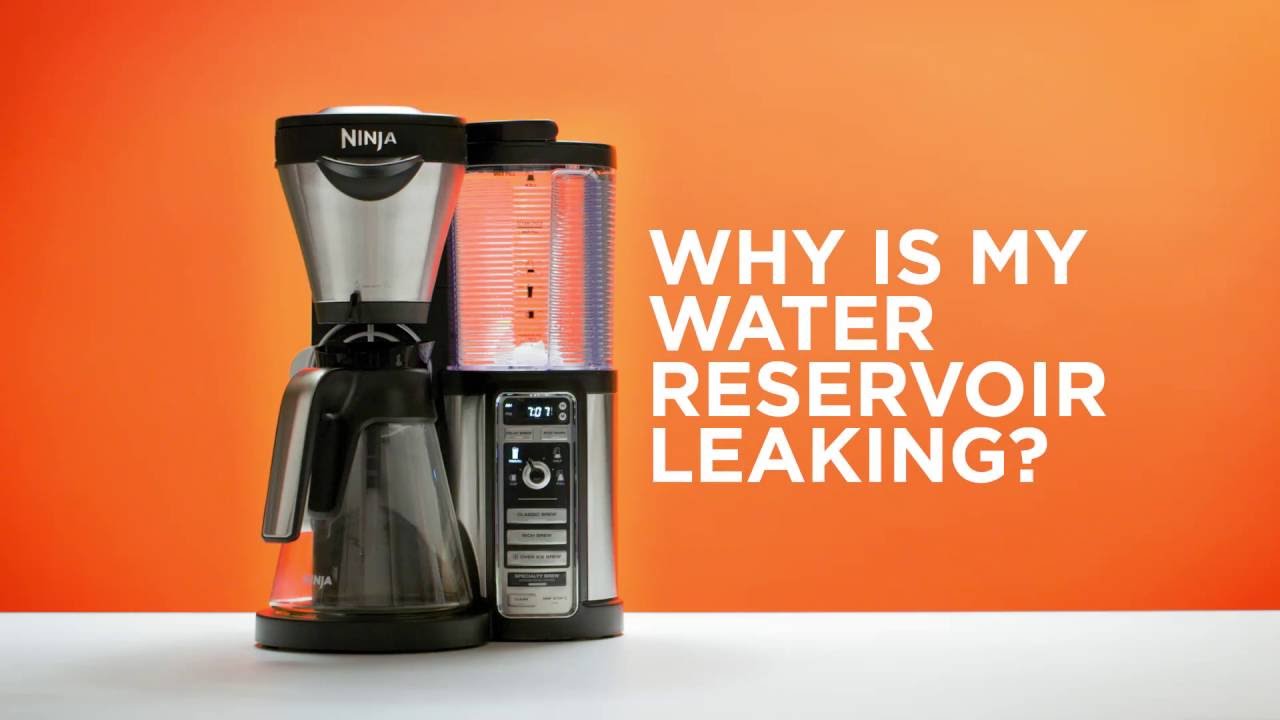
Unseated Water Reservoir
The water reservoir must sit firmly in place to start brewing. If it is loose or not clicked into its spot, the machine’s safety sensors will stop the brew. Press down the reservoir until you hear a click. This ensures the machine receives water and continues the brewing process.
Beeping Errors
Beeping sounds signal that the Ninja Coffee Maker has detected a problem. The machine often beeps if parts like the drip stop or water reservoir are not set correctly. Check these components and adjust them. Clearing the issue stops the beeping and resumes brewing smoothly.

Coffee Grounds Issues
Coffee grounds problems are common with Ninja coffee makers. They affect the taste and texture of your brew. Grounds can slip into your cup or block the machine parts. This issue often happens due to small parts missing or not fitting well. Understanding these problems helps you fix them fast. Below are two common reasons for coffee grounds issues.
Missing Gasket
The gasket is a small rubber ring around the puncture needle. It stops coffee grounds from escaping during brewing. If this gasket is missing or damaged, grounds can leak into your cup. This problem is typical with pod adapters or single-serve models. Check the gasket carefully. If it is loose or gone, replace it. A new gasket seals the needle and keeps grounds out.
Pod Adapter Problems
Pod adapters let you use coffee pods in your Ninja machine. Poorly fitted adapters cause grounds to spill. The adapter must fit snugly on the brew basket. Loose adapters allow grounds to escape or block water flow. Make sure to insert the pod adapter correctly. Clean the adapter and basket regularly. This prevents clogs and keeps your coffee smooth.
Clogged Needles And Water Lines
Clogged needles and water lines often cause brewing issues in Ninja coffee makers. Coffee grounds and mineral deposits can block these small parts. This blockage leads to weak brews or no water flow at all. Regular cleaning keeps your machine working well and your coffee tasting great.
Blocked Needles
The needles in a Ninja coffee maker pierce coffee pods or filters. Over time, tiny coffee particles get stuck inside these needles. This stops water from flowing properly. You might notice slow brewing or weak coffee. Checking the needles for blockages helps find the problem fast.
Clearing Needles With Paperclip
Use a straightened paperclip to clear clogged needles carefully. Gently push the paperclip through each needle hole. This removes grounds and debris trapped inside. Be careful not to damage the needles. Repeat the process until water flows smoothly through the needles again.
Cleaning Pod-specific Machines
Pod-specific Ninja machines need extra care. Use a cleaning tool designed for these models to clear blockages. Insert the tool or use the machine’s cleaning mode to flush water through the needles. Pump the lid with the silicone pod basket in place to help clear clogs. Regular cleaning prevents buildup and keeps pods brewing well.
Espresso Pouring Problems
Espresso pouring problems often frustrate Ninja coffee maker users. The flow may be too slow, uneven, or stop completely. This issue affects the taste and texture of your espresso. Several factors can cause these problems, such as grind size, machine settings, or model specifics. Fixing these problems improves your coffee experience and saves time.
Grind Size Adjustments
The grind size plays a key role in espresso flow. Too fine a grind clogs the filter and slows pouring. Too coarse a grind makes the espresso weak and watery. Adjust your grinder to a medium-fine setting for Ninja machines. Test small changes until the espresso pours smoothly without pauses. Consistent grind size helps maintain stable pressure during brewing. This prevents stoppages and ensures a rich crema on top.
Luxe Cafe Specific Tips
The Ninja Luxe Cafe model needs special care for espresso pouring. Check the brew basket for clogs or excess coffee grounds. Clean the needles regularly with a paperclip to clear blockages. Avoid overfilling the portafilter to prevent spills and slow flow. Use the espresso setting on the machine to get the right pressure and timing. If espresso pours unevenly, try adjusting the tamping pressure on the grounds. These tips help the Luxe Cafe deliver a smooth, balanced espresso every time.
Resetting And Maintenance
Proper resetting and maintenance keep your Ninja Coffee Maker working well. Regular care prevents many common problems. Small efforts protect your machine’s lifespan and brew quality.
Resetting can fix glitches or errors quickly. Maintenance removes buildup that blocks water flow. Both tasks improve performance and taste.
Reset Button Use
Some Ninja models have a reset button to clear errors. Press and hold the button for a few seconds. This resets internal sensors and software.
Use the reset button after power outages or unusual behavior. It helps restart the machine without unplugging it. Check your manual for reset button location.
Descaling Cycles
Mineral deposits from water build up inside your coffee maker. Descaling removes these deposits and keeps water flowing smoothly. Run a descaling cycle every 1-3 months.
Use a descaling solution or white vinegar mixed with water. Follow the machine’s instructions to run the cycle. Rinse thoroughly after descaling to avoid taste issues.
Regular Cleaning
Cleaning your Ninja Coffee Maker after every use prevents clogs. Wash the brew basket, water reservoir, and drip tray with warm soap water. Dry parts completely before reassembling.
Wipe the machine’s exterior and control panel with a damp cloth. Avoid harsh cleaners that damage surfaces. Routine cleaning stops buildup and keeps your coffee tasting fresh.

Model-specific Troubleshooting
Different Ninja coffee maker models have unique features and parts. Each model may show specific problems that require special care. This section helps you understand and fix issues by model type. Follow easy steps to keep your coffee maker working well.
Luxe Cafe Issues
The Ninja Luxe Cafe often faces clogging in the espresso basket. This happens from coffee oils and fine grounds building up. Clean the brew basket and needles regularly to avoid this.
Another problem is the machine not starting. Check the water reservoir is properly seated. Also, confirm the drip stop lever is open. These simple checks stop brewing errors.
Dualbrew Problems
The DualBrew model may show uneven brewing. This is often due to a misaligned brew basket. Remove and reseat the basket to fix it.
Sometimes the machine does not recognize pods. Make sure to use Ninja-compatible pods only. Also, clean the pod holder to remove any leftover grounds or debris.
Ninja Pods Coffee Maker
The Ninja Pods Coffee Maker can have puncture needle blockages. This stops water flow and weakens coffee taste. Use a paperclip to clear the needle carefully.
If coffee tastes bitter, check the water filter. Replace it if clogged or old. Clean the pod basket and lid to improve flavor and brewing consistency.
Frequently Asked Questions
What Are Some Common Problems With Ninja Machines?
Common Ninja machine problems include brewing interruptions, clogged needles, improperly seated water reservoirs, and missing gaskets causing grounds in coffee.
Why Is The Ninja Coffee Maker Not Working?
Check if the drip-stop lever is open, the water reservoir is firmly seated, and needles are unclogged. Clean or descale as needed.
Is There A Reset Button On A Ninja Coffee Maker?
No, Ninja coffee makers do not have a reset button. Troubleshoot by checking the drip-stop lever, water reservoir, and cleaning needles.
How To Unclog The Ninja Coffee Maker?
Open the drip-stop lever and ensure the water reservoir clicks into place. Use a paperclip to clear clogged needles. Run a descaling cycle regularly.
Why Is My Ninja Coffee Maker Not Brewing Coffee?
The machine may stop if the drip-stop lever is closed. Also, ensure the water reservoir is firmly clicked into place. These steps help the coffee maker start brewing properly.
Conclusion
Ninja coffee maker problems can disrupt your morning routine. Simple checks often solve common issues fast. Open the drip stop lever fully for brewing. Make sure the water reservoir clicks into place. Clean clogged needles carefully with a paperclip. Adjust grind size if espresso pours slowly.
Regular cleaning prevents many problems over time. Keep these tips handy for smooth coffee making. Enjoy your brew without extra hassle or stress.