
Is your GE Profile ice maker giving you trouble? Whether it’s not making ice, showing error messages, or making strange noises, these issues can quickly become frustrating.
But don’t worry—you don’t have to call a technician just yet. In this guide, you’ll find simple, step-by-step troubleshooting tips to get your ice maker back on track. From checking water lines to resetting sensors, we’ll walk you through easy fixes that save you time and money.
Keep reading to discover how you can solve common problems with your GE Profile ice maker and enjoy a steady supply of ice once again.
Credit: the-goodnerd.com
Refrigerator Ice Maker Issues
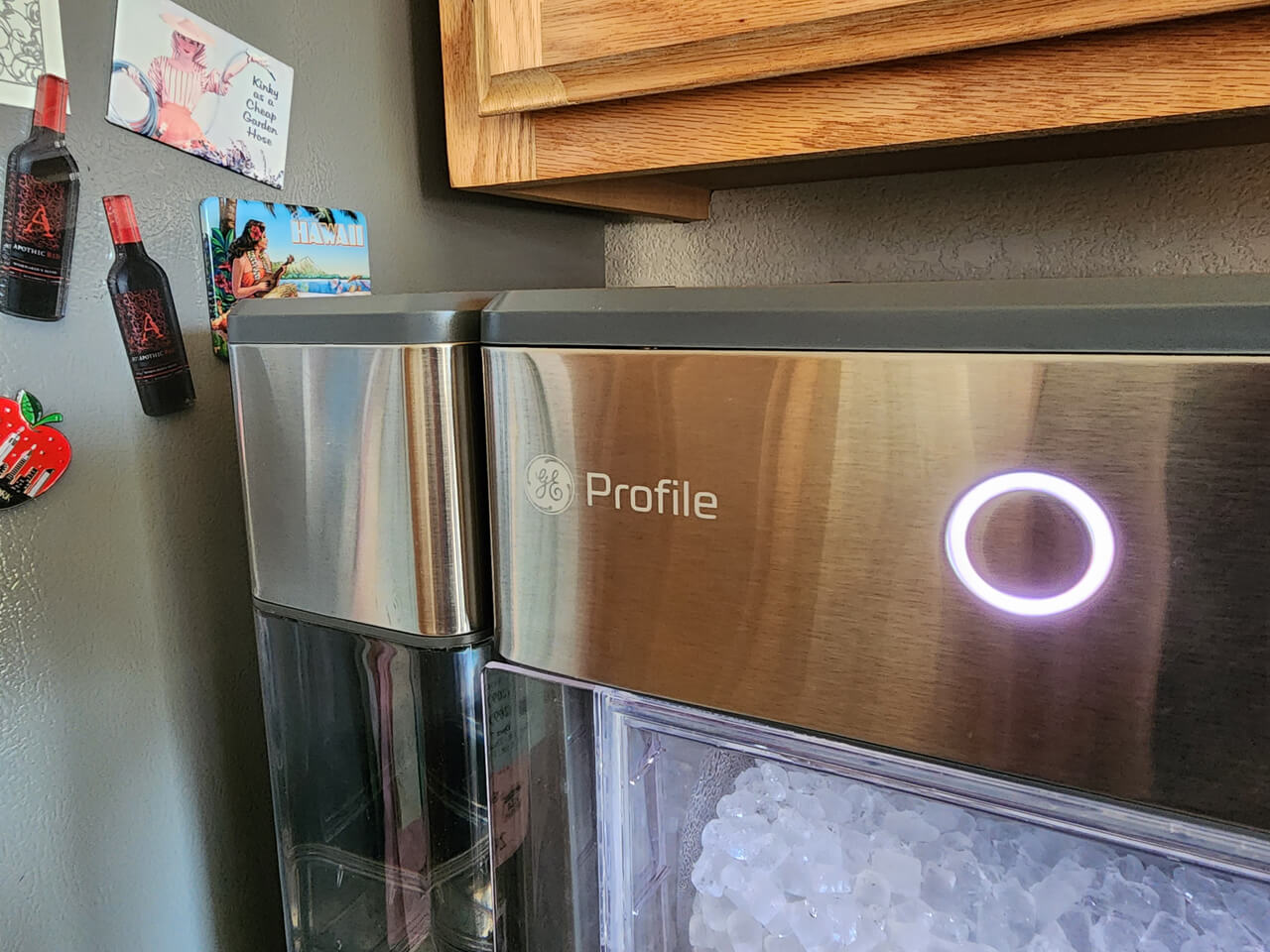
The GE Profile Opal Nugget Ice Maker can face a few common problems. These issues often cause the machine to stop making ice or show false error messages. Many problems relate to water flow and sensor accuracy. Regular maintenance helps keep your ice maker running smoothly.
Cleaning and checking key parts can fix many errors. Dirt or blockages often cause malfunctions. Simple steps like cleaning sensors and vents improve performance. Priming the water pump can also solve startup issues. Follow these easy tips to troubleshoot your Opal Nugget Ice Maker.
Float Sensor Cleaning
The float sensor detects water levels inside the reservoir. Dirt or mineral buildup can stop it from moving freely. This causes false “Add Water” errors or stops ice production. Remove the reservoir and check the float sensor carefully. Clean any debris using a soft cloth or brush. Make sure the float moves up and down without sticking.
Vent Maintenance
Proper airflow keeps the ice maker cool and working well. Dust and lint can block the vents on the sides and back. This causes the unit to overheat and shut down. Use a vacuum or soft brush to clean the vents regularly. Check the cooling fans to ensure they run smoothly. Good ventilation prevents overheating problems.
Water Pump Priming
The water pump pushes water through the machine to make ice. Air pockets can form inside the pump, stopping water flow. Priming the pump removes trapped air and restores function. To prime, unplug the ice maker and remove the reservoir. Slowly pour water into the pump inlet until it fills completely. Plug the machine back in and run a cycle. This clears air and helps the pump work properly.
Opal Nugget Ice Maker Problems
Replacing parts in your GE Profile ice maker can restore its function quickly. Identifying faulty components helps avoid long downtime. Use caution and follow safety guidelines to prevent damage or injury. Some parts wear out over time and need swapping to keep ice flowing.
This section covers key replacements you might face. Clear steps make the task easier and safer. Genuine parts ensure your ice maker works as designed. Keep your appliance running smoothly with proper maintenance.
Water Inlet Valve Replacement
The water inlet valve controls water flow to the ice maker. A faulty valve can stop ice production or cause leaks. To replace it, first unplug the refrigerator and shut off the water supply. Locate the valve, usually at the back near the bottom.
Disconnect the water line and electrical connectors carefully. Remove mounting screws and take out the old valve. Install the new valve by reversing the removal steps. Turn on water and power, then test for leaks and proper ice making.
Ordering Genuine Components
Use genuine GE Profile parts to ensure compatibility and durability. Non-genuine parts may cause malfunctions or void warranties. Check your ice maker’s model number before ordering parts.
Order parts from authorized dealers or directly from GE’s website. Verify part numbers match your appliance’s specifications. Keep receipts and packaging for returns or warranty claims. Using original components protects your investment and prolongs appliance life.
Resetting The Ice Maker
Keeping your GE Profile ice maker in good shape needs simple maintenance steps. Regular care stops many common problems. It saves time and helps the ice maker work well.
Regular Cleaning Routine
Clean your ice maker every month to avoid dirt build-up. Use a soft cloth and mild soap. Wipe the ice bin and the inside parts gently. Rinse well to remove soap. Dry all parts before using the ice maker again. This prevents bad smells and keeps ice fresh.
Preventing Sensor Errors
Check the sensors often for dust or ice build-up. Clean sensors with a soft cloth. Do not use sharp tools that may break them. Make sure the sensor moves freely and is not blocked. Clear any ice that sticks to the sensor. This helps your ice maker detect water and ice correctly.
Avoiding Water Supply Interruptions
Keep the water line clear and free from kinks. Check the water valve to ensure it is fully open. Replace any old or damaged water hoses. Use clean water to stop clogs and bad tastes. A steady water flow helps your ice maker work without stopping.
Credit: www.youtube.com
Common Noise Troubles
Troubleshooting a GE Profile ice maker can be easier with the right resources. Various tools and support channels help users solve common issues fast. Accessing these resources saves time and avoids costly repairs.
Start with video guides that show step-by-step fixes. Then, explore online forums where owners share tips. Manufacturer help lines offer direct expert advice when needed.
Video Guides
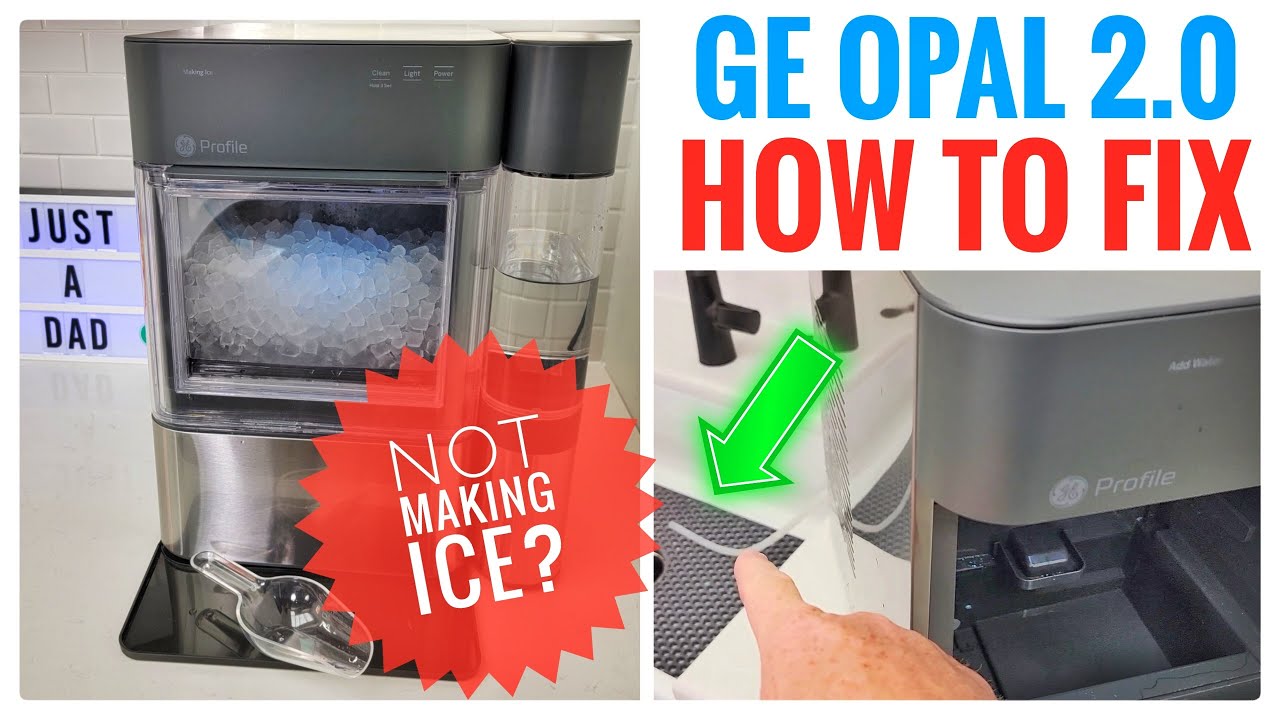
Video guides provide clear, visual instructions for many ice maker problems. Watching someone perform the fix makes the process simple. These videos cover common issues like water flow, sensor cleaning, and reset steps. You can find many free tutorials on popular platforms. They help users understand the repair process quickly and safely.
Online Support Forums
Online forums connect GE Profile ice maker owners worldwide. Users discuss problems, share solutions, and offer advice. These communities often have experienced members who respond fast. Searching forum posts may reveal fixes for rare or tricky issues. Forums also provide a place to ask questions and get feedback. They are a valuable resource for troubleshooting help and tips.
Manufacturer Help Lines
GE offers dedicated help lines for appliance support. Calling the manufacturer connects you with trained technicians. They provide expert guidance tailored to your model and problem. Help lines can assist with warranty questions, part orders, and repair advice. Speaking directly with the manufacturer ensures accurate information and trusted solutions.

Credit: www.reddit.com
Frequently Asked Questions
How Do I Reset My Ge Profile On Icemaker?
To reset your GE Profile icemaker, turn off the ice maker, unplug the refrigerator, wait five minutes, then plug it back in and turn it on. This resets the system and resolves common errors. Check the water supply and ensure the feeler arm is down for proper operation.
What Is The Most Common Problem With Ge Refrigerators Ice Maker?
The most common problem with GE refrigerators’ ice makers is water supply issues, such as a kinked water line or a faulty water inlet valve. Blocked sensors or ice jams also frequently cause ice production to stop.
Why Is My Ge Profile Icemaker Not Making Ice?
Check the ice maker’s feeler arm to ensure it’s down. Verify the water supply line is open and not kinked. Defrost any ice jams. For Opal models, clean float sensors and vents to avoid shutdown. Replace faulty parts via GE Appliance Parts Store if needed.
Where Are The Sensors On My Ge Profile Ice Maker?
The sensors on a GE Profile ice maker are inside the reservoir, including the water level sensor and float. Check and clean them regularly.
How Do I Reset My Ge Profile Ice Maker?
To reset the ice maker, turn off the power for 30 seconds. Then, turn it back on and wait for it to restart. This often clears minor errors.
Conclusion
Troubleshooting your GE Profile ice maker need not be stressful. Start with simple checks like the feeler arm and water line. Keep sensors and vents clean to avoid common errors. Thaw any ice buildup carefully to restore function. For Opal models, clear float sensors and vents regularly.
Watch helpful videos for step-by-step fixes. Replacement parts are available if needed. Small actions often solve big problems. Stay patient and methodical for the best results. Your ice maker can work smoothly again with some care.